Your images, with a touch of Magic.

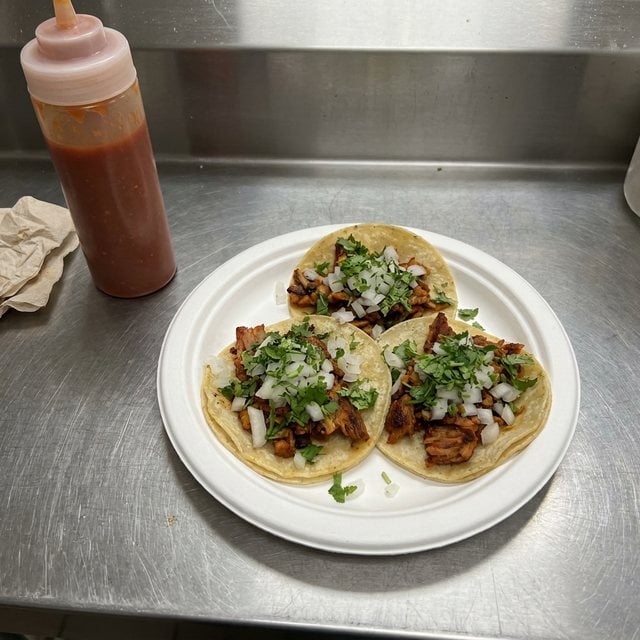 Before

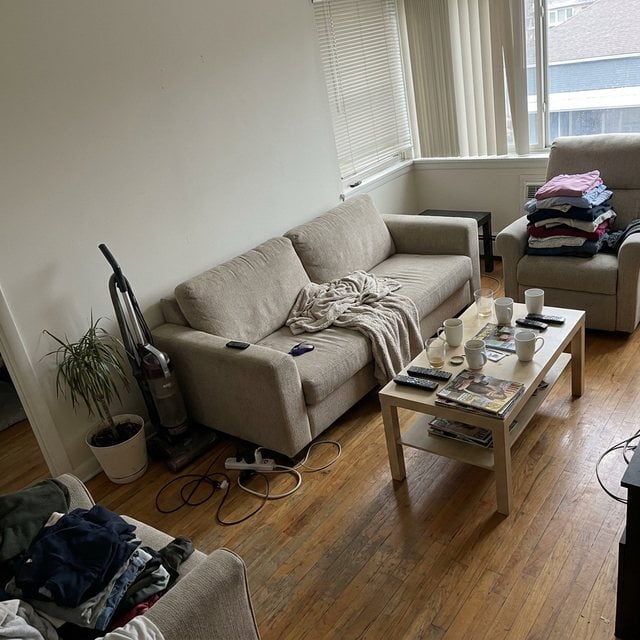 Before
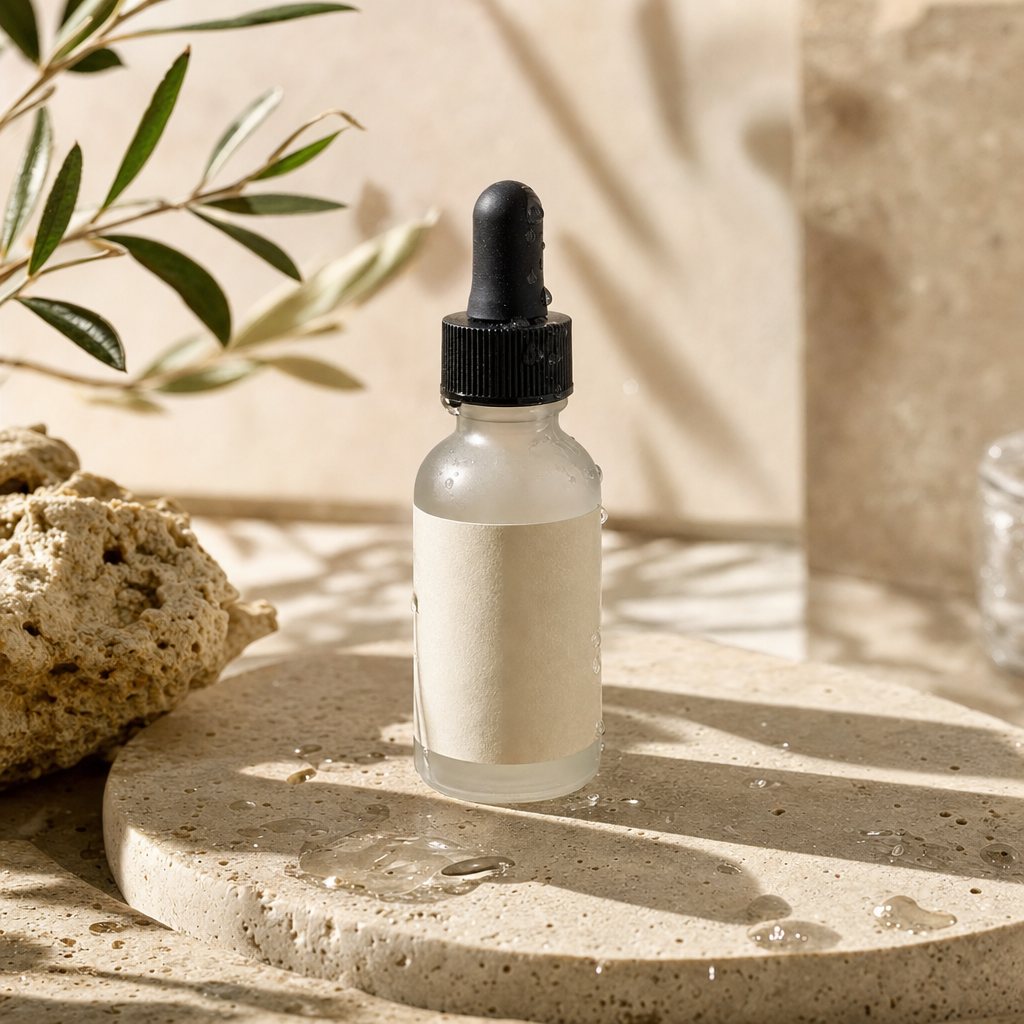
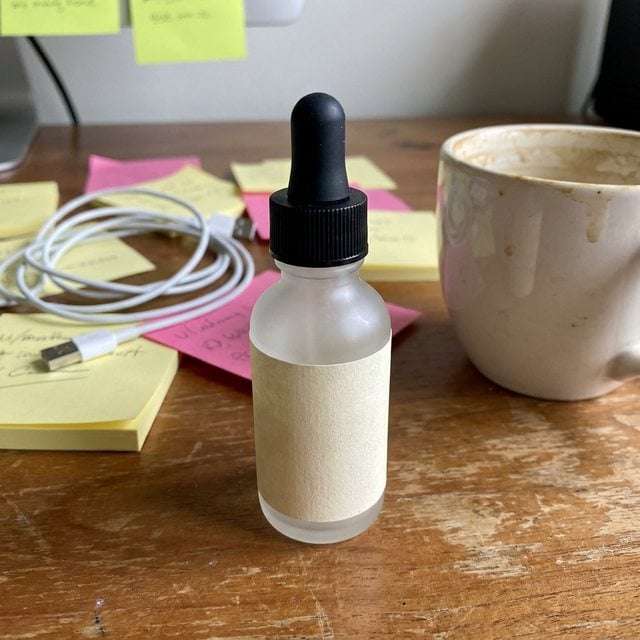 Before

 Before
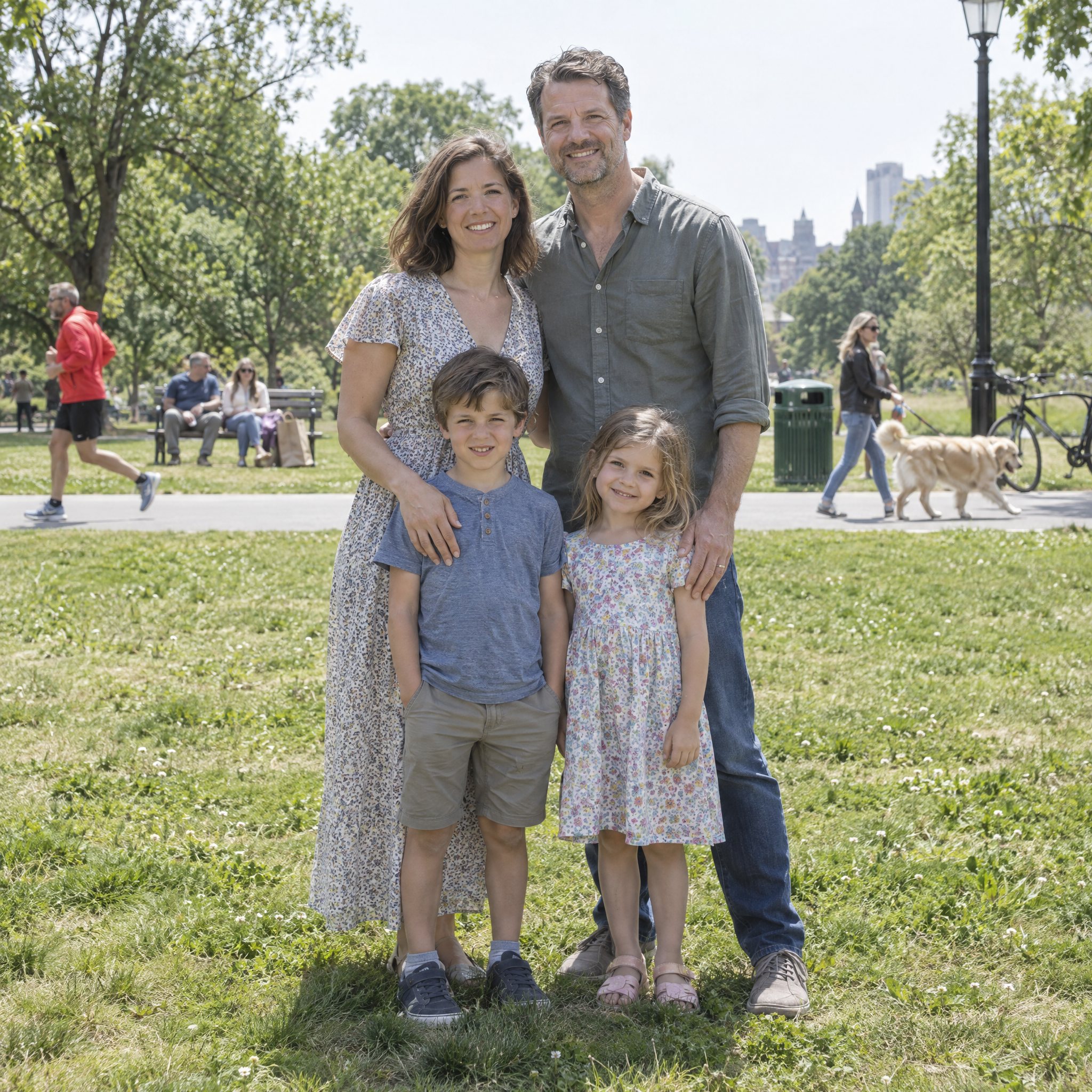
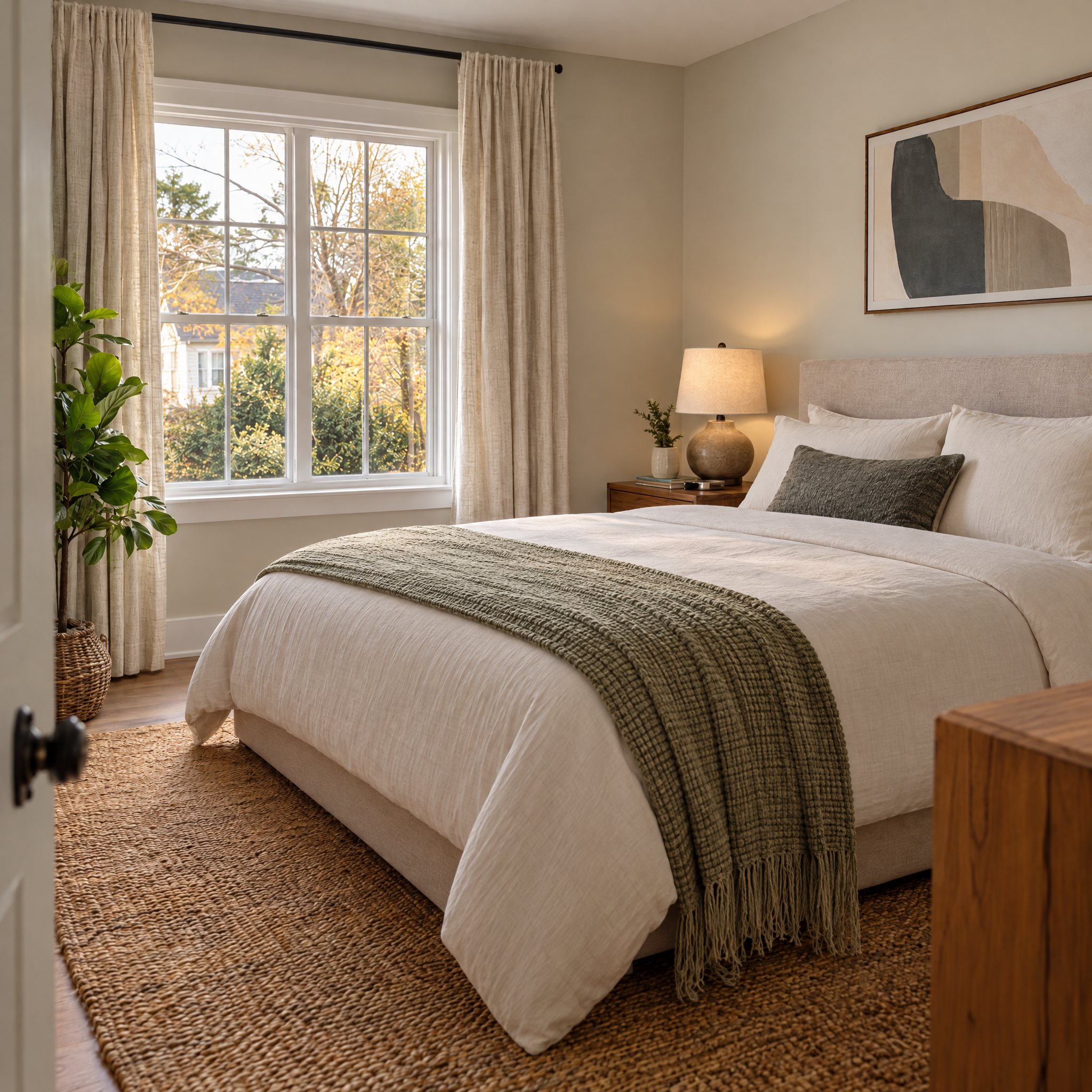
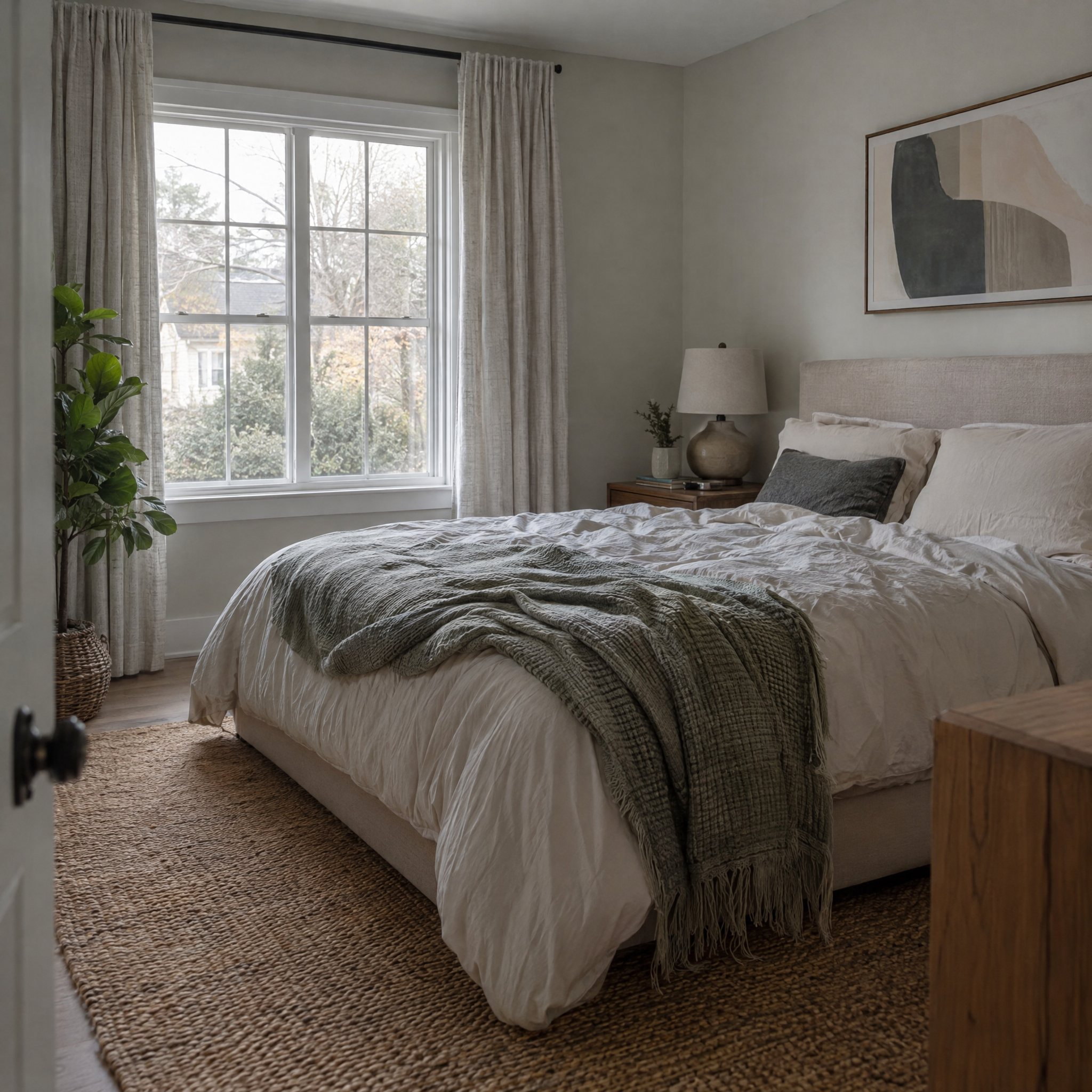
Same photo. Seriously better.
Drag across the image to compare the photo you had with the one Magic Studio made from it.
 BeforeAfter
Drag the handle, or tap anywhere on the image
See how it works
Pick a use case, or watch the whole session end to end.
Not another AI toy
Magic Studio was built for teams that ship visual content.
See your image as it happens
Part canvas, part chat. Every generation lands on a live canvas next to the conversation, so you direct the work in real time.
Take from any source
Start from your Snappr galleries, upload images you already have, or begin with nothing but a description.
The right AI model for every job
The agent picks the best AI model for each job on its own. Prefer another? Switch anytime, or run several models side by side to compare. All from your one Snappr account.
Generate and edit in batch
Run as many images as you want, with no limits. One brief can restyle a whole catalog, not one photo at a time.
Humans in the loop
When a shot deserves an expert, send it to a professional human editor without leaving the platform.
All your visual content in one place
Snappr is where your photos and videos get made: book shoots, generate and edit with AI, and hand off to professional editors, from one account.
From the image you have to the image you need
Start from a Snappr gallery, an upload, or nothing at all. The results still look like you.
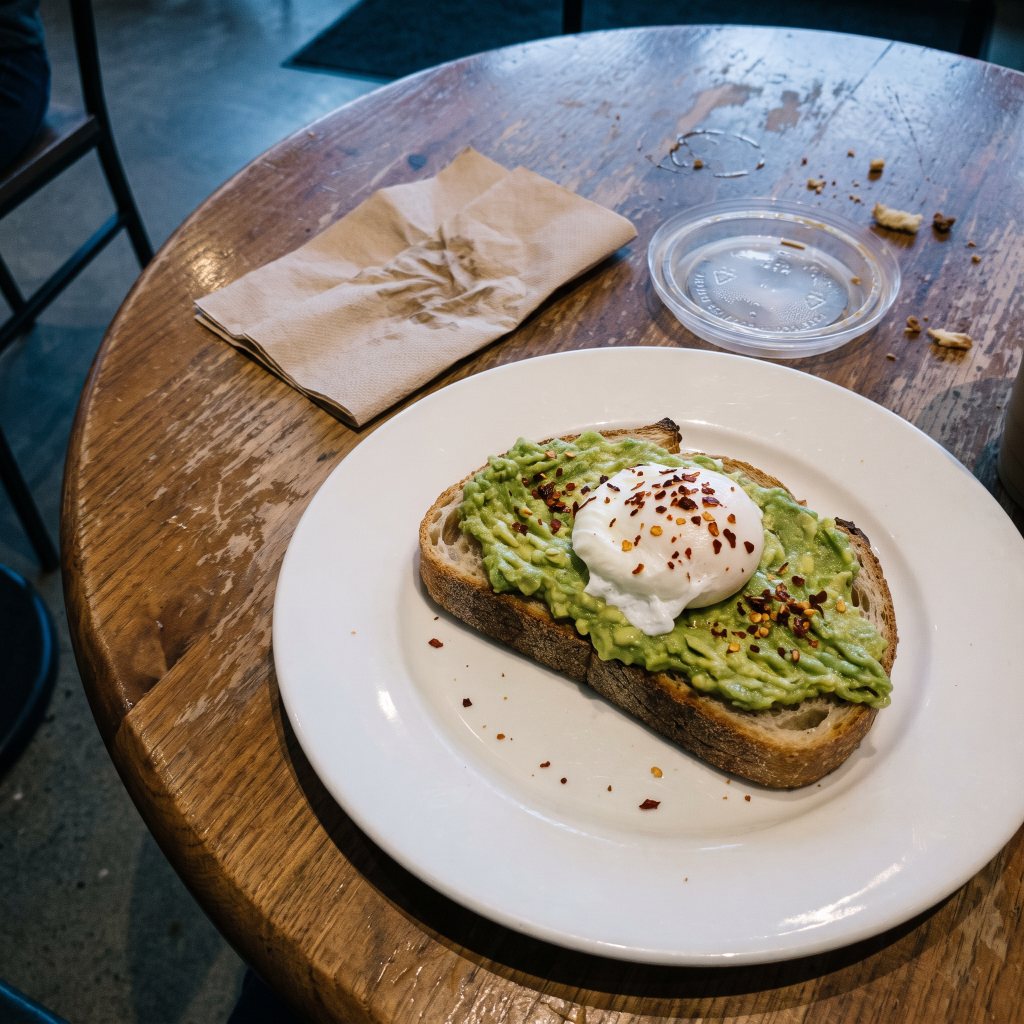
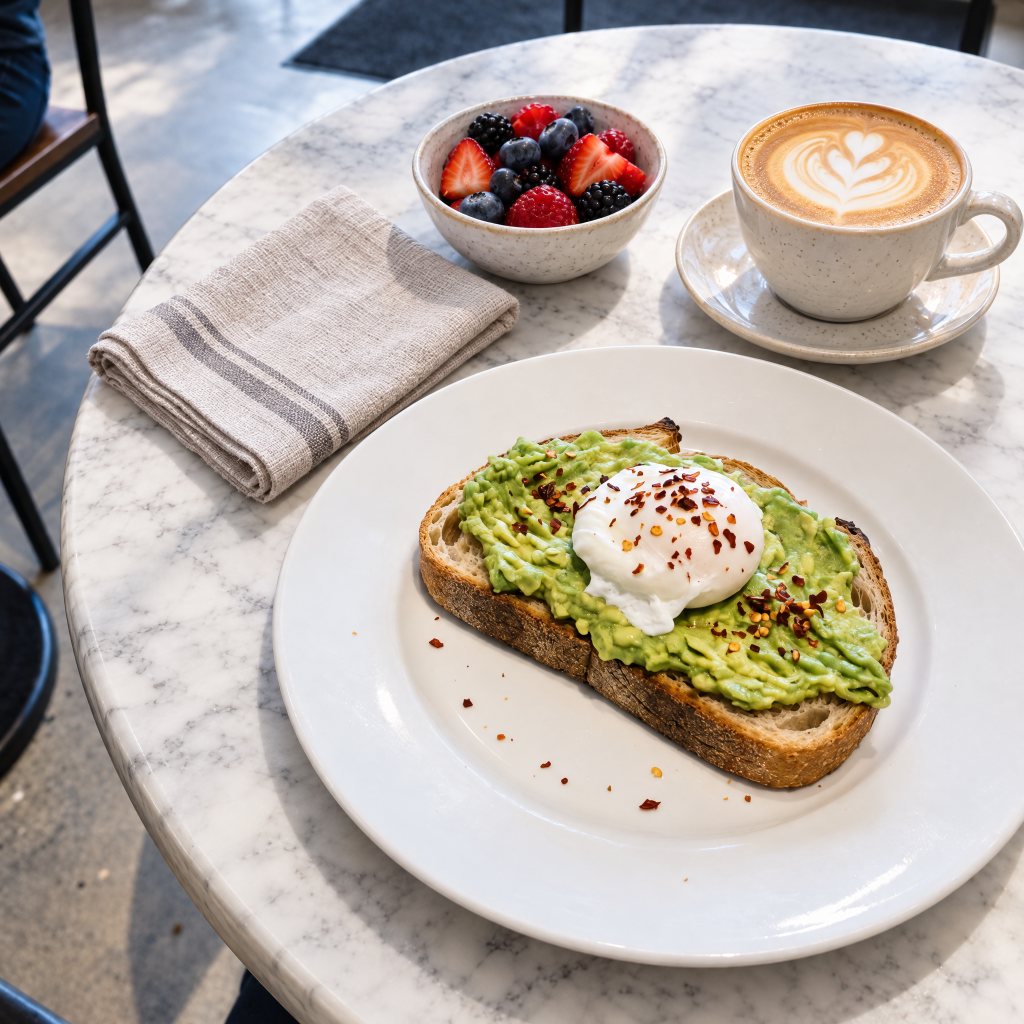
Make menus irresistible
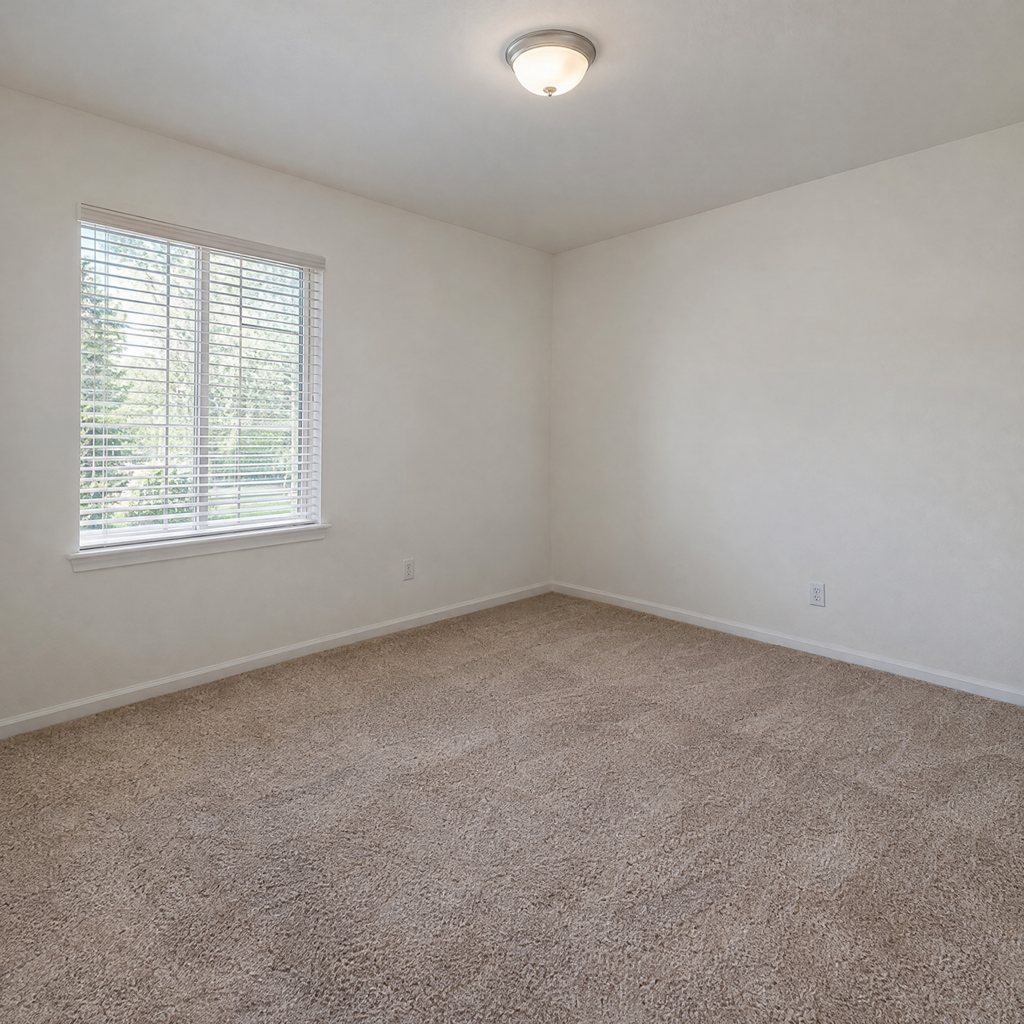

Stage empty spaces
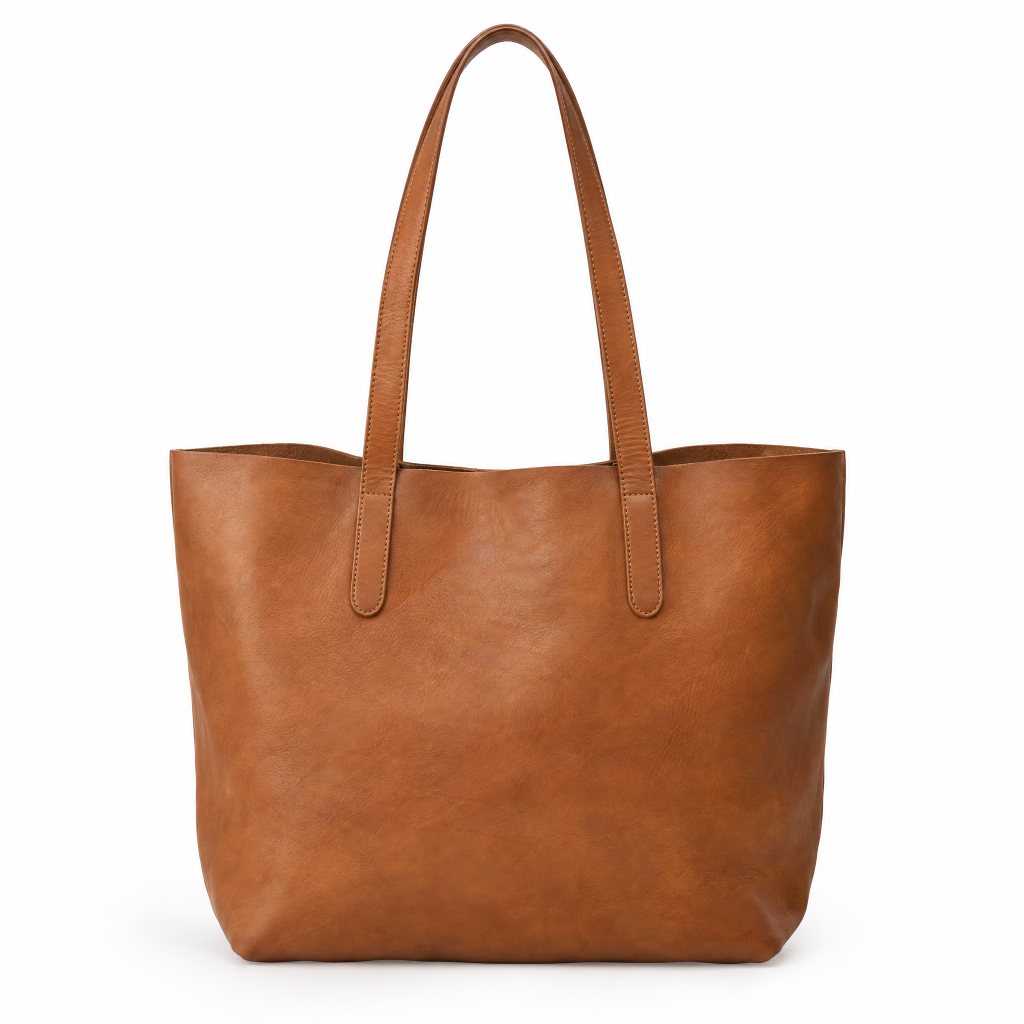

Put products on people


Headshots from any photo
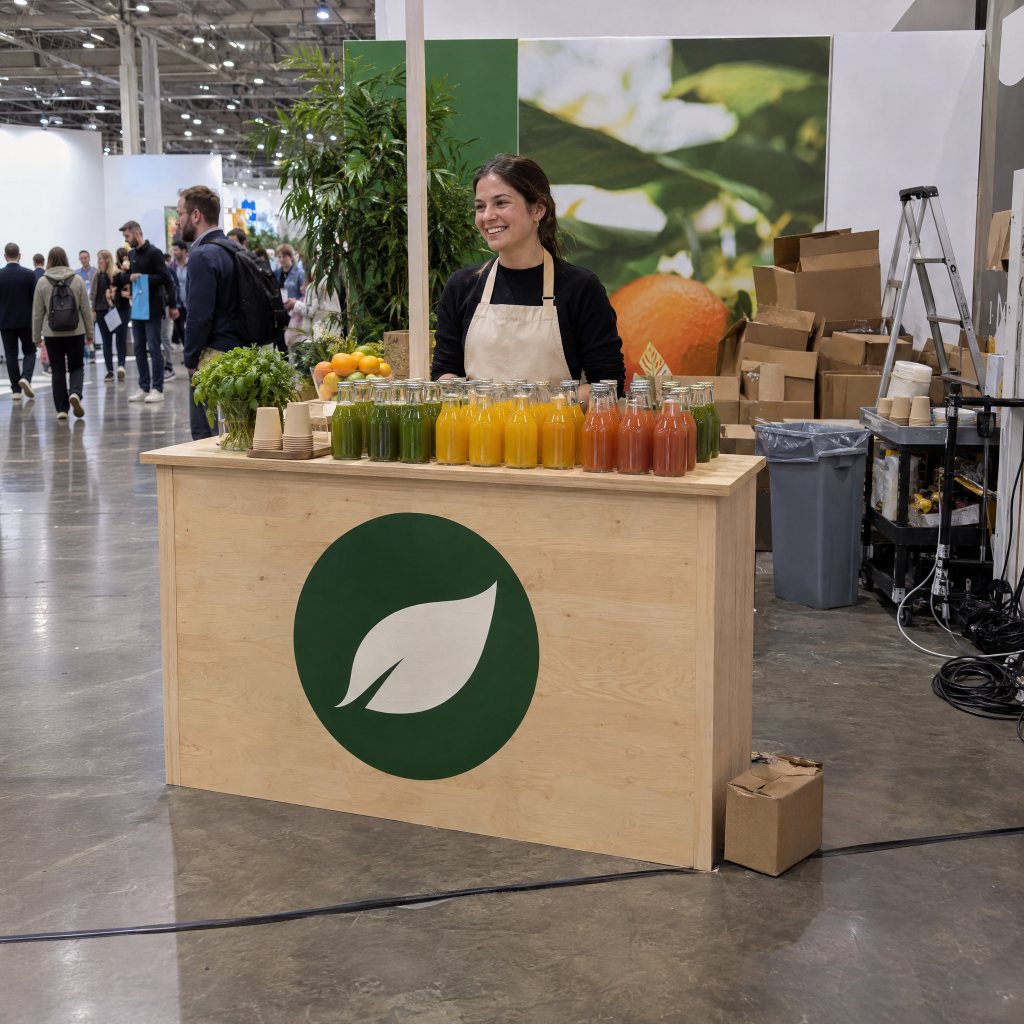
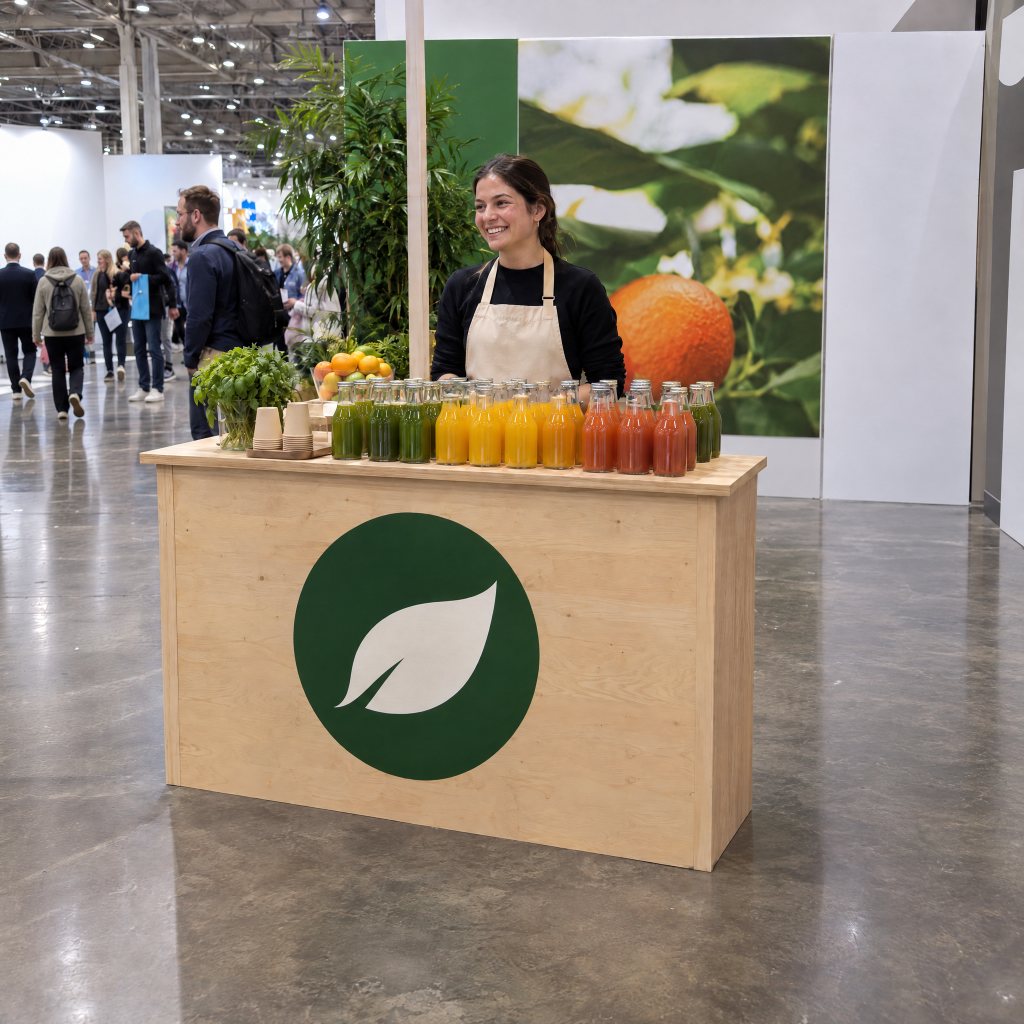
Clean up event photos


Curb appeal, on demand
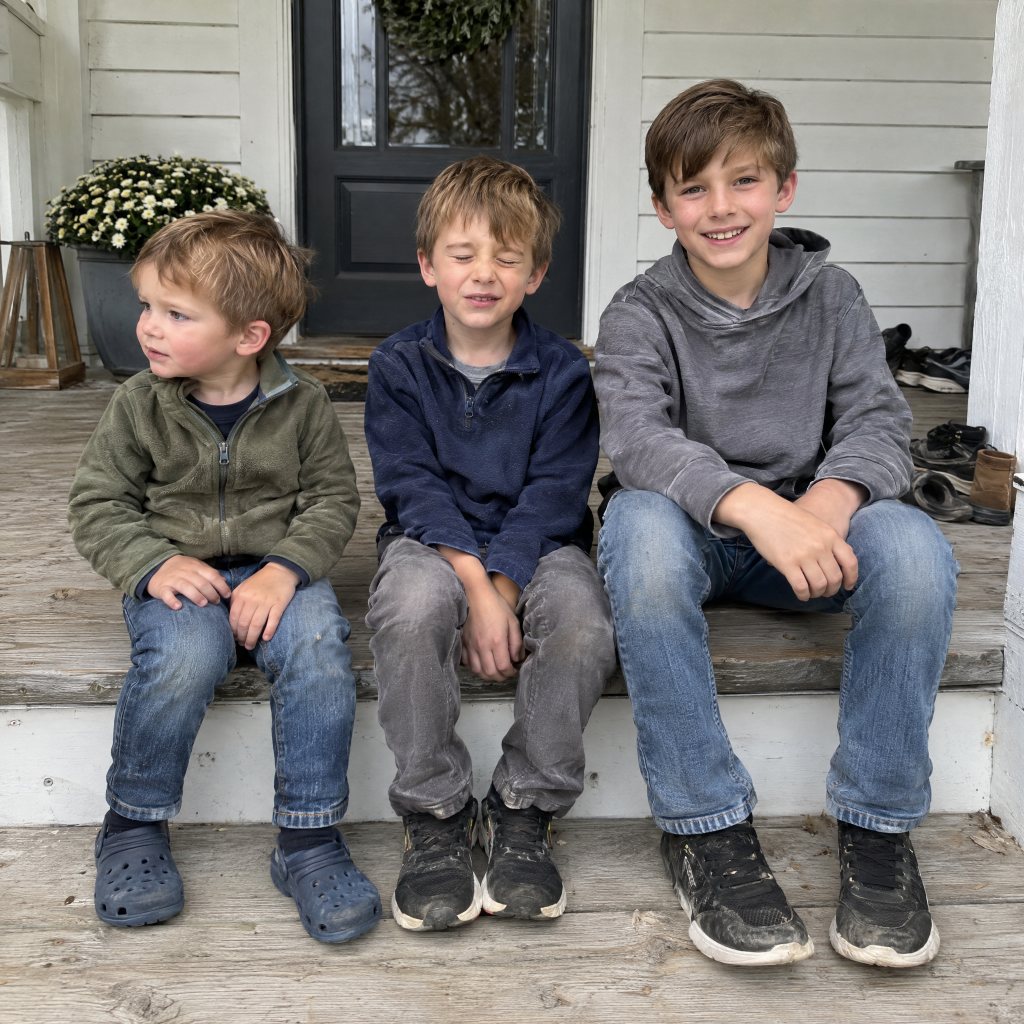
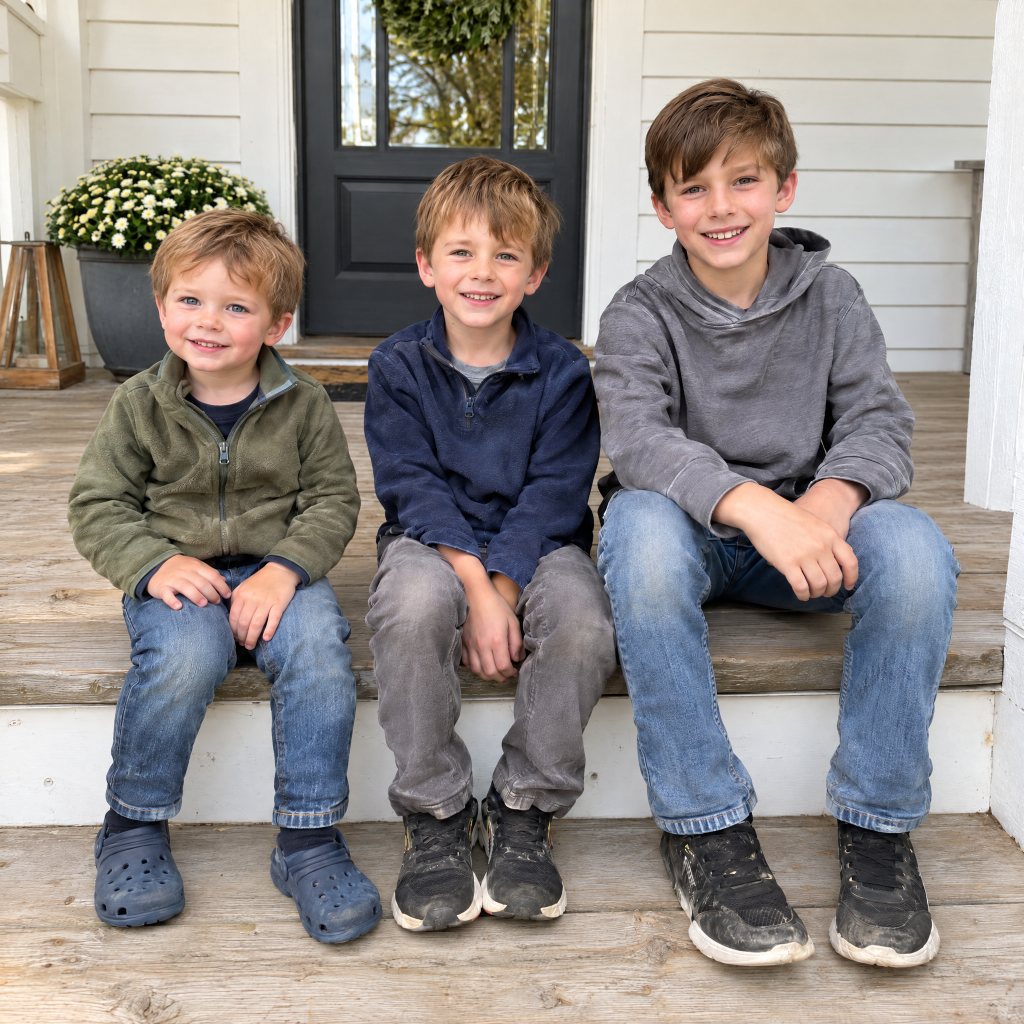
Everyone at their best

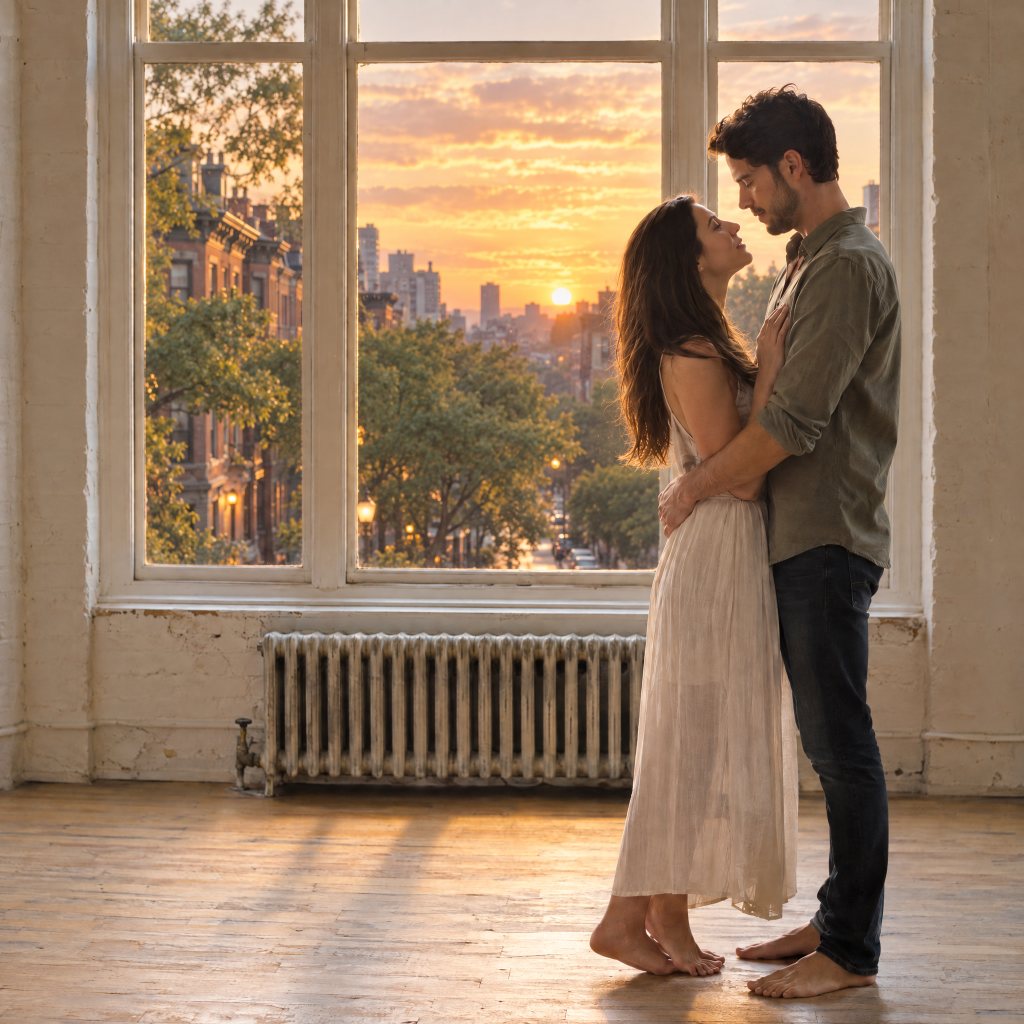
Remove what distracts
Whatever you sell, it sells better with visuals
The teams already using Magic Studio, and what they make with it.

E-commerce and fashion
Packshots restaged into lifestyle scenes, on-model shots without a second shoot.
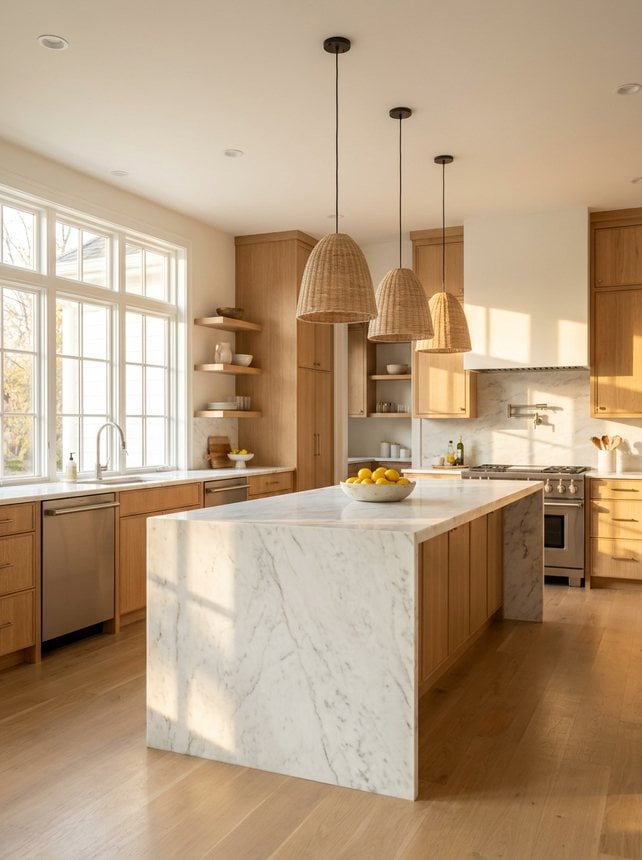
Real estate
Empty rooms staged and listings relit before they go live.
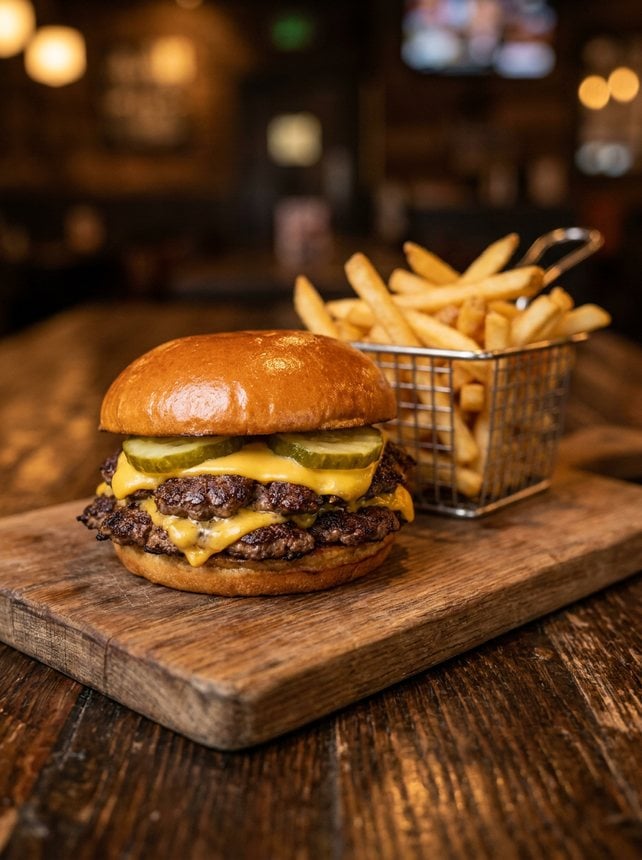
Menus and restaurants
Every dish looking its best, across every delivery app.

Marketing and social
One campaign image becomes a season of variants, in every size.
Magic, between human experts
Magic Studio doesn’t replace the people who make great images. It multiplies their work. Enter at any point: with a shoot, an upload, or just an idea.
- Step 1
Capture with pros
Book professional photographers for the shots that need a real lens. Every delivered gallery is ready to use in Magic Studio.
- Step 2
Multiply every image
Bring any image in: from a shoot, an upload, or a past session. Turn it into new scenes, new sizes, and new styles in minutes.
- Step 3
Finish with pros
When a result needs an expert hand, request editing and a professional human editor takes it from there, delivered to your Snappr account.
Everything you need to get to the right image
A real look at the studio your team will use, and how each piece saves you time.
Three ways to start
However the image begins, the studio picks it up from there.
- 1Use your Snappr galleries: every delivered shoot is ready to work with
- 2Upload anything you already have
- 3Or start from scratch with nothing but a description
Brief it like a photographer
No complicated UIs. Type what you want in plain words, pick the dimensions, and send.
- Delivered in any dimensions you need, banners to stories
- Iterate on versions easily until it’s exactly right
- Get suggestions on how to make your image even better
Download it, or hand it to a professional
Results land ready to use. Download instantly, keep iterating, or send any image to a professional human editor for the finishing touches that require an expert hand.
An expert hand, one click away
Professional human editors pick up wherever you want them to.
Any size you publish in
Banners, listings and stories, in the exact dimensions Instagram, TikTok, Amazon or your website need.
Sessions that remember
Come back anytime and build on what worked. Your brand guidelines are remembered and applied to every new generation.
Cast anyone. Style anything. One packshot.
Start from a single product photo and build the whole collection: a lookbook with the same person throughout, and campaign shots cast to fit your brand.
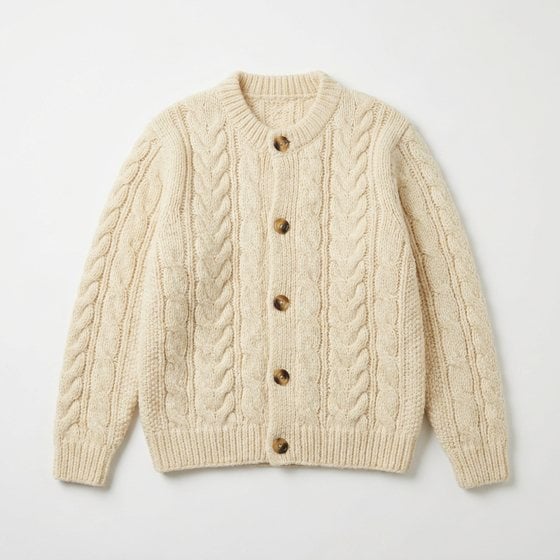 Source
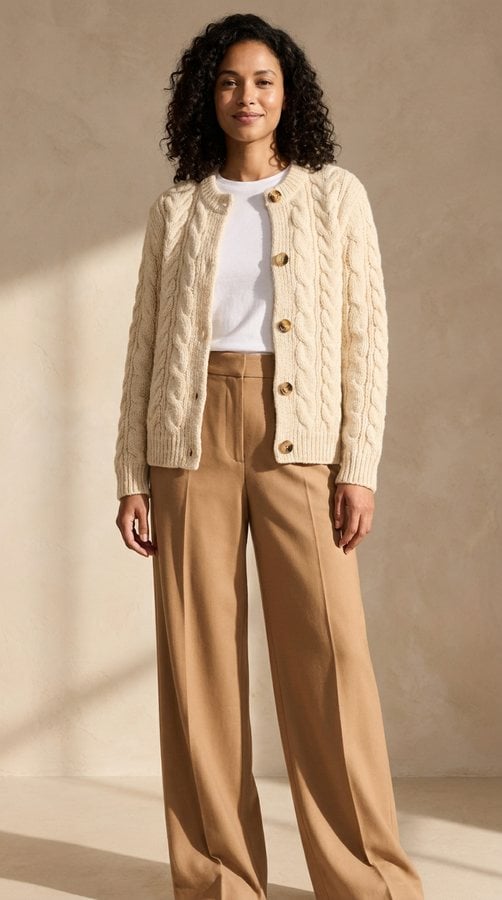 Lookbook
 Lookbook, close-up
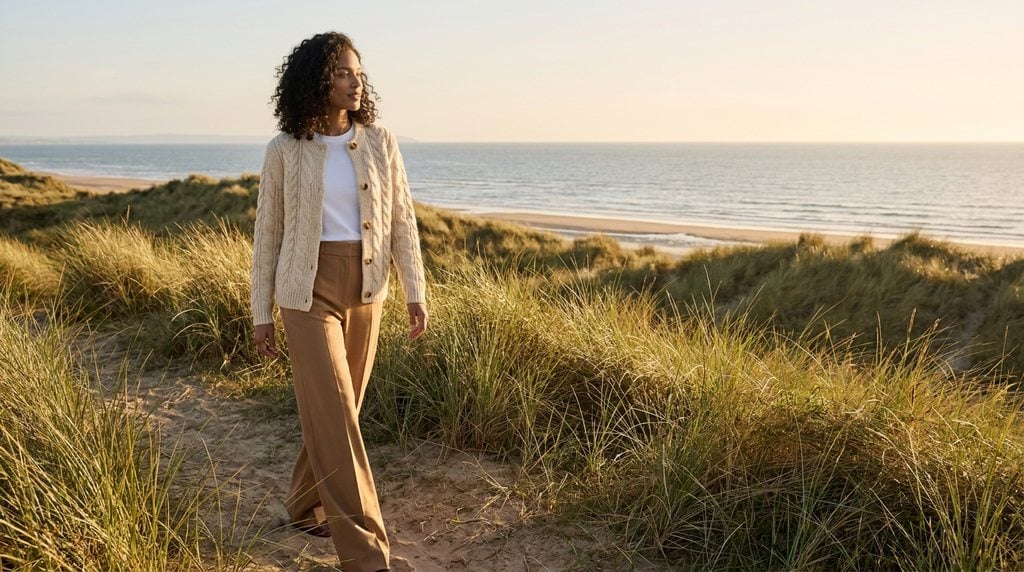 Campaign
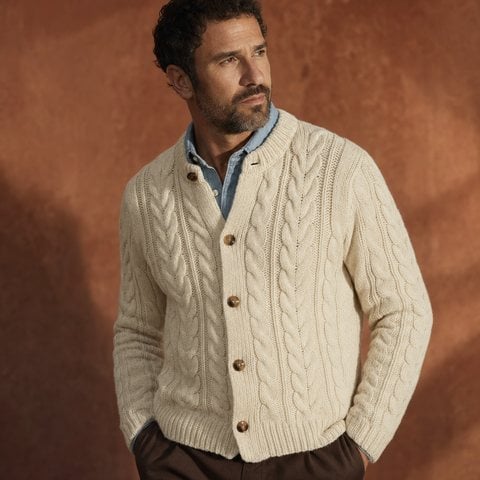 Collection
 Collection
 Flat lay
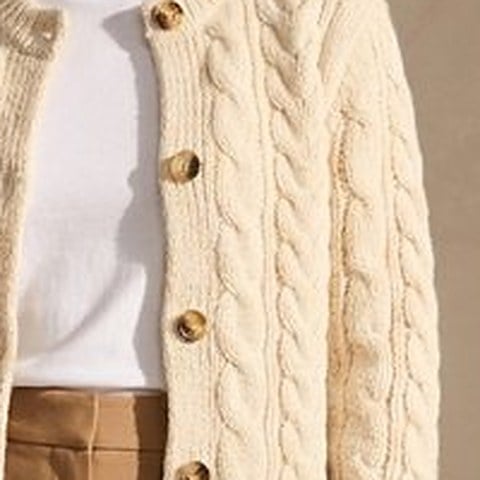 Detail
Free to start. Built for Pro and Enterprise.
Magic Studio comes with every Snappr account, and scales with your tier.
- Generate from your delivered shoots
- Upload your own images
- Create from scratch with a description
- Everything in Pay as you go, for the whole team
- Buy more generations anytime
- Choose any AI model for each generation
- Hand off to professional editing, at an additional cost
- Everything in Pro, across your organization
- Buy more generations anytime
- Make it part of your workflows
- Generate or edit images in batch
Free generations are granted one time, with account creation or upgrade. They don’t renew monthly.
Frequently asked questions
Everything you need to know about generations, tiers and getting started. Still have a question? Talk to our team.
Do I need a Snappr photoshoot to use Magic Studio?
No. Shoots make it better, because your delivered galleries are ready to work with, but you can upload any image you own or create from scratch with a description.
What counts as a generation?
One generated image. If a run produces two images, that uses two generations. Editing an existing image counts the same as generating a new one.
Do the free generations renew every month?
No. Free generations are granted one time, when you create your account or upgrade your tier. After that, you buy generations as you need them, pay as you go.
Who can use our team’s generations?
On Pro and Enterprise, generations are a shared balance. Anyone on your account can use them, and everyone’s sessions stay organized in one place.
Can a human take over when AI isn’t enough?
Yes, for an additional cost. On Pro and Enterprise, every result has a Request editing button. It starts a professional editing job: upload the image, choose the edits you need, and a professional human editor delivers it to your Snappr account.
What sizes and formats can it produce?
Any dimensions you publish in, from wide banners to vertical stories. You pick the size before generating and download the results instantly.
What are we generating today?
Open Magic Studio and find out. Your first 10 generations are on us.