
One thumbnail, 4.4 million competitors
A traveller in Lyon types "Lisbon, 3 nights, 2 adults" into Booking.com. Back comes a scrolling wall of rectangles: price, review score, distance, and one photo per property. That photo gets about as long as a thumb-flick.
Now scale that moment up. At the end of 2025, Booking.com listed approximately 4.4 million properties in over 220 countries and territories, roughly 500,000 of them hotels, motels and resorts and around 3.9 million homes, apartments and other places to stay. Across all its brands, Booking Holdings' global room nights rose 8% in 2025, driven primarily by healthy travel demand in Europe and Asia, and the Booking.com business is run from its headquarters in Amsterdam.
And that marketplace is visual. Booking.com's own Partner Hub says 63% of guests use photos as their primary source of information while searching for a stay. Its partner guidance also reports that properties with a complete, 100% property page score get up to 18% more bookings than those with incomplete content. Photos are part of that checklist.
Here's the thing. Most "Booking.com photo tips" articles recycle two lines about resolution and orientation, and several get even those wrong. Every rule below was checked against Booking.com's own Partner Hub, developer documentation and content guidelines in September 2026. You'll also get a shot list by property type, a main-photo strategy, the line between honest editing and misleading AI, and a way to keep a whole portfolio consistent.
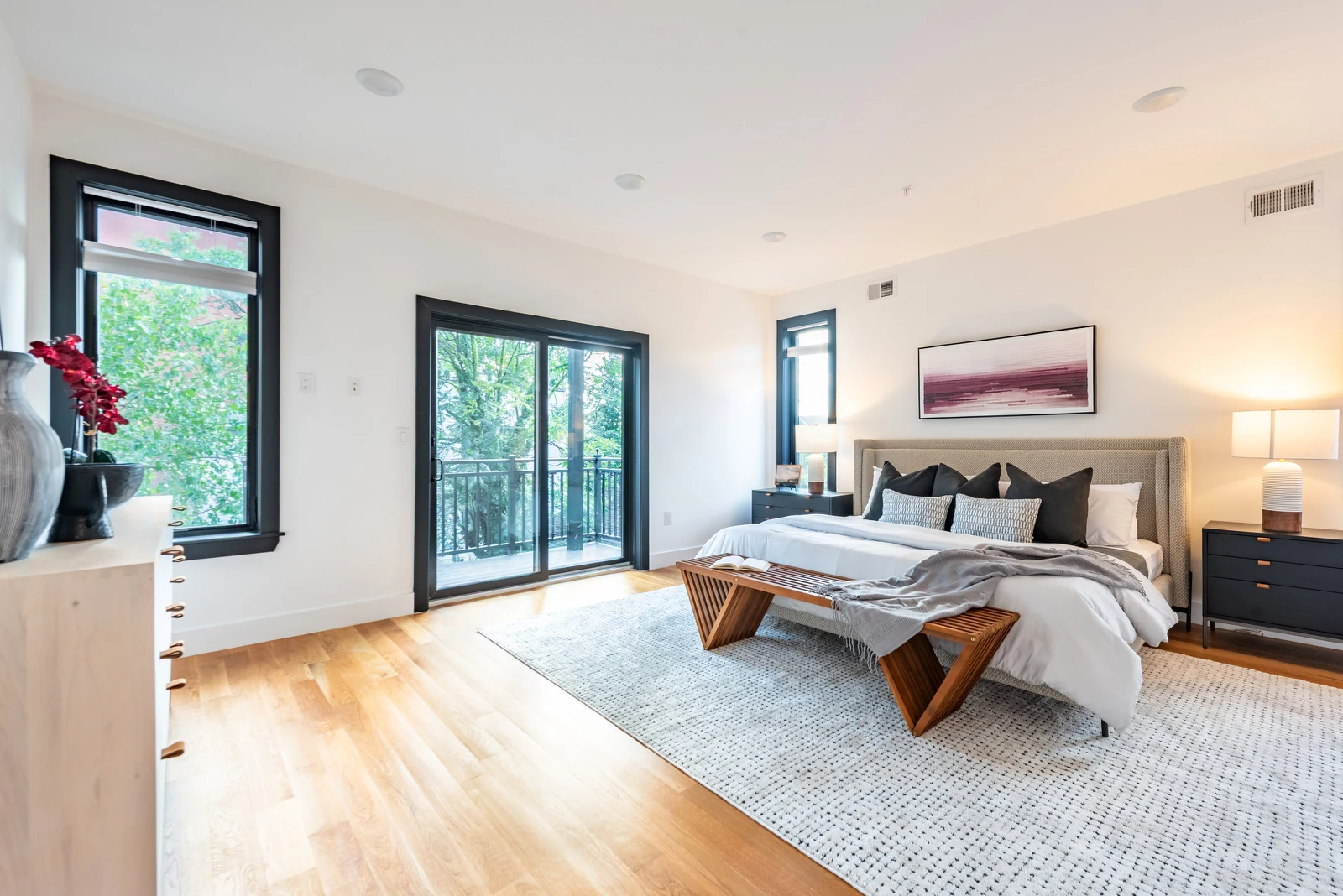
Booking.com photo requirements at a glance
If you only have 30 seconds, screenshot this list. Every line comes from Booking.com's Partner Hub photo requirements unless marked otherwise.
• Minimum number of photos: At least 10
• Per room or unit: At least 4 photos, plus at least 1 of the bathroom and toilet
• Aparthotels / condo hotels: At least 24 photos, covering every apartment type
• Resolution: At least 2048 x 1080 px, preferably 4000 x 3000 px
• Orientation: Landscape (horizontal) only
• 360° photos: 2:1 aspect ratio, minimum 1280 x 900 px
• Hard upload limits (API): 300 x 300 px minimum, 14000 x 14000 px maximum, 50 MB per file, 299 photos per property
• Not allowed: Personal data such as ID cards, bills or contracts; images of identifiable minors
• Avoid: Collages, watermarks, heavy filters or HDR, black-and-white, fisheye, people as the main focus
Notice the gap between the hard floor and the recommendation. The upload system accepts a 300-pixel image; the Partner Hub asks for nearly seven times that width. Treat 2048 x 1080 as your real minimum and 4000 x 3000 as the target.
Why photos move bookings on Booking.com
Booking.com doesn't publish a single "photos add X% bookings" figure, so be wary of articles that claim it does. What it does publish shows where photos sit in the funnel.
Photos decide the click
The Partner Hub calls the main photo the difference between "clicking or scrolling past", noting that 63% of guests use photos as their primary source of information. Ranking gets you onto the screen. The photo gets you the property page view.
Complete content decides the booking
Booking.com's property page score is a checklist of missing content, and its data shows properties with a 100% score get up to 18% more bookings than those with incomplete pages. The same page tells partners to add and tag at least 10 recent images covering the bathroom, kitchen and view. A thin gallery leaves that checklist unfinished.
Travellers want specifics, not a brochure
Expedia Group's photo guidelines, citing its own research, report that properties using unique photos for each room type average up to 11% higher conversion rates, and that 60% of travelers rank bathroom images as very important. That guide dates from 2018, but Booking.com asks for the same four-per-room-plus-bathroom coverage.
There's also a pricing story. In Booking.com's Click. magazine, Greek revenue manager Katerina Petropoulou described re-shooting a villa in Mykonos: after the new photos went live, her team raised selling prices by 20% and still finished the season with higher occupancy. One property is an anecdote, not a benchmark, but it shows photos protecting rate as well as occupancy. The same dynamic runs through how Airbnb built its business on professional photography.
How many photos does Booking.com need?
Short answer: at least 10, which is far too few for almost any hotel.
Booking.com's rule is at least four photos of each room or unit, plus at least one of the bathroom and toilet, on top of exterior, entrance and shared facilities. Run the numbers for a mid-size city hotel with six room types:
• 6 room types x 4 photos = 24 room photos, with a bathroom in each set
• 2-3 exterior and entrance shots, showing the facade in relation to the street
• 1-2 lobby or reception shots
• 1 photo per key amenity: breakfast, restaurant, bar, gym, spa, meeting room
That's roughly 32 to 40 photos before you add seasonal or family-focused images. Aparthotels and serviced apartments carry a stricter bar: Booking.com asks condo hotels for a minimum of 24 photos covering every apartment type, with both the individual rooms and the whole unit. The Photos API allows up to 299 photos per property, so the ceiling is never the constraint. Coverage is. Even a two-bedroom rental lands in the high teens once every room gets four shots.
Technical specs that trip people up
Booking.com's shooting requirements go beyond resolution and orientation. Several exist to protect your image from the platform's crop:
• Camera height of 3 to 5 feet (roughly 90 to 150 cm)
• Shoot from room corners to add depth
• Keep the main subject centred and leave space around it, because the image in your Extranet gallery is pre-cropped
The cropping point is the one in-house teams miss. A bed pushed to the edge of the frame can lose half its width in search results. Compose for the centre.
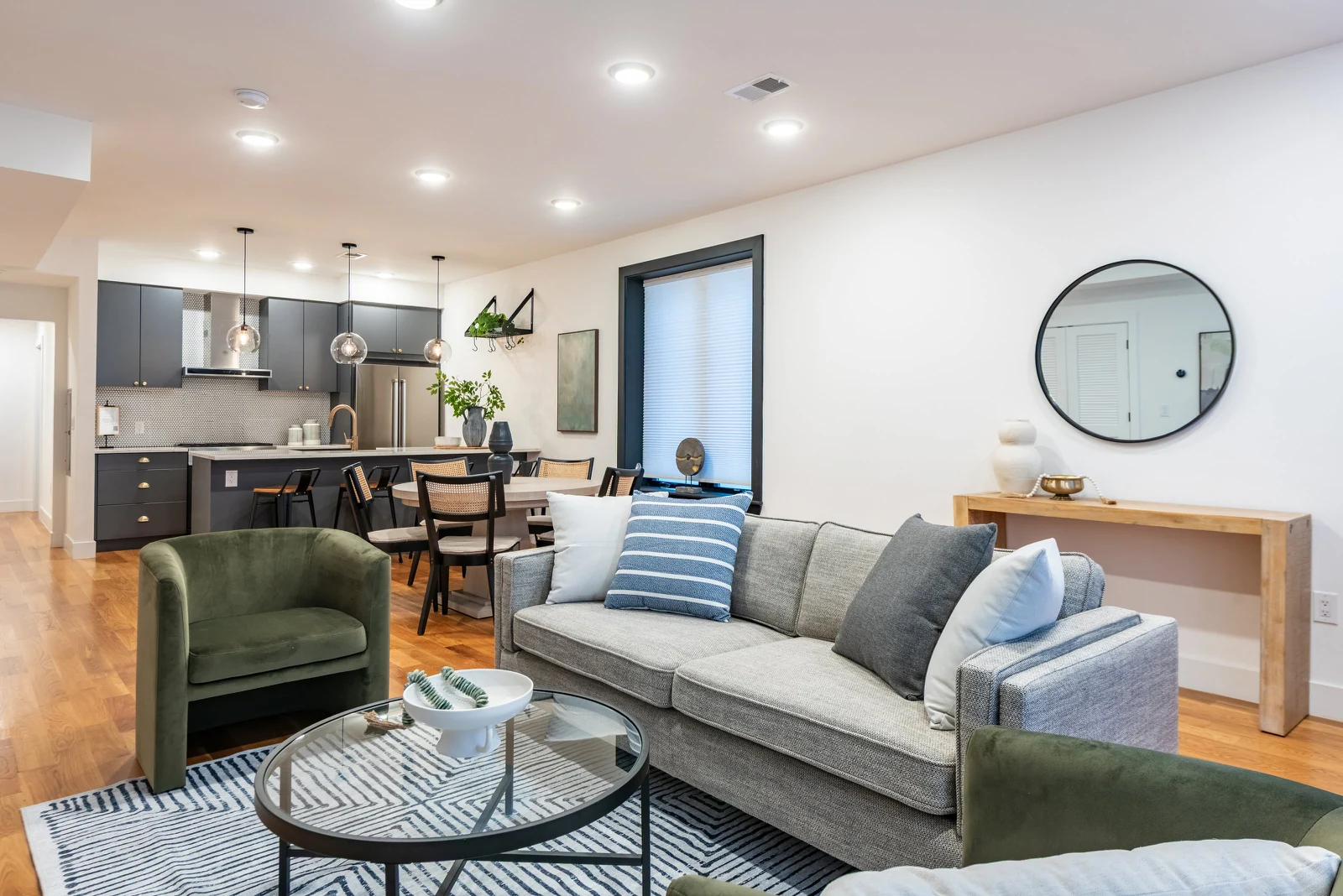
What Booking.com won't accept (and what it just discourages)
Booking.com mixes hard rules with strong advice. Know which is which.
Hard rules
• No personally identifiable information. Booking.com doesn't allow images that include ID cards, bills or contracts.
• No identifiable minors. The content guidelines state that content containing personal data or images of identifiable minors isn't permitted.
• No images unrelated to the stay. Photos must be related to the actual travel experience.
• No content you don't have rights to. Uploading without the necessary permissions may result in content removal and/or account restrictions. This one bites hotel groups that reuse an agency's shots after the licence lapses.
Strongly discouraged
Beyond the list above, the Partner Hub's avoid list covers tilt-shift, over-saturation, skewed or stretched shots, images that mainly show contact details, and road signs or parked cars.
Watch two in particular. Watermarks and logos creep in when brand teams export marketing images straight to OTAs. And "extreme wide-angle" catches rental photography where a 12mm lens makes a studio look like a ballroom.
The main photo: your one shot at the click
Your main photo is what appears in search results, so choose it deliberately. By default, the Booking.com Photos API sets the first uploaded photo as the main photo, which is how a property can end up leading with a random bathroom.
In the Extranet you can set a preferred main photo and reorder the rest by dragging. Booking.com also offers Smart ordering, a feature that uses machine learning to optimise the order of your photos. You can switch it off, but the better move is to feed it a gallery with no weak photos in it.
Expedia Group's guidance is a useful cross-check, recommending a primary image that shows what's unique and desirable about your property, and listing bathrooms among undesirable choices. In practice:
• City hotels: a hero room with the view, or a facade at blue hour if the building is the draw
• Resorts: the pool or beach, shot in daylight
• Vacation rentals: the best living space, or the terrace if it's the reason people book
• Aparthotels: the full apartment living area, not a single bed
Shot list by property type
Booking.com's guidance is organised into tabs by space. Turn it into a shot list your photographers follow every time. This one is drawn from the Partner Hub's room, bathroom, facilities and family guidance.
Every property
• Exterior showing the entrance, plus the facade in relation to the street
• Rooms with curtains open, lamps on, freshly made beds, no laundry or visible cables
• In-room amenities: coffee and tea, minibar, safe, desk, air conditioning
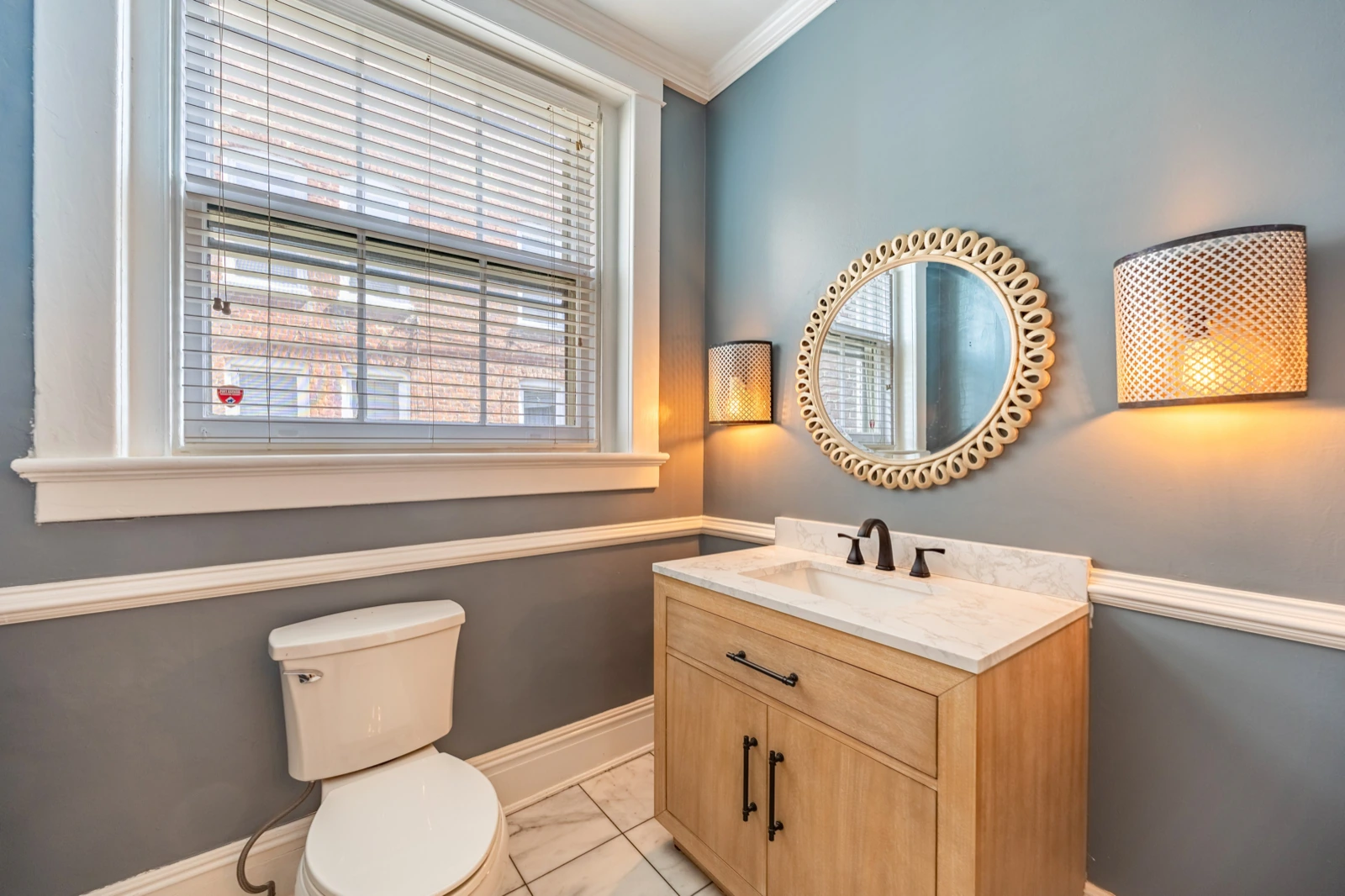
• Bathrooms with lights on, clean mirrors, shower curtains open, toilet lids closed and no tissues or bins in shot
Booking.com notes that bathroom photos often reflect the general cleanliness of the property. Guests read the bathroom as a proxy for the whole stay.
Hotels
• Lobby and reception
• Restaurant, bar and a breakfast spread
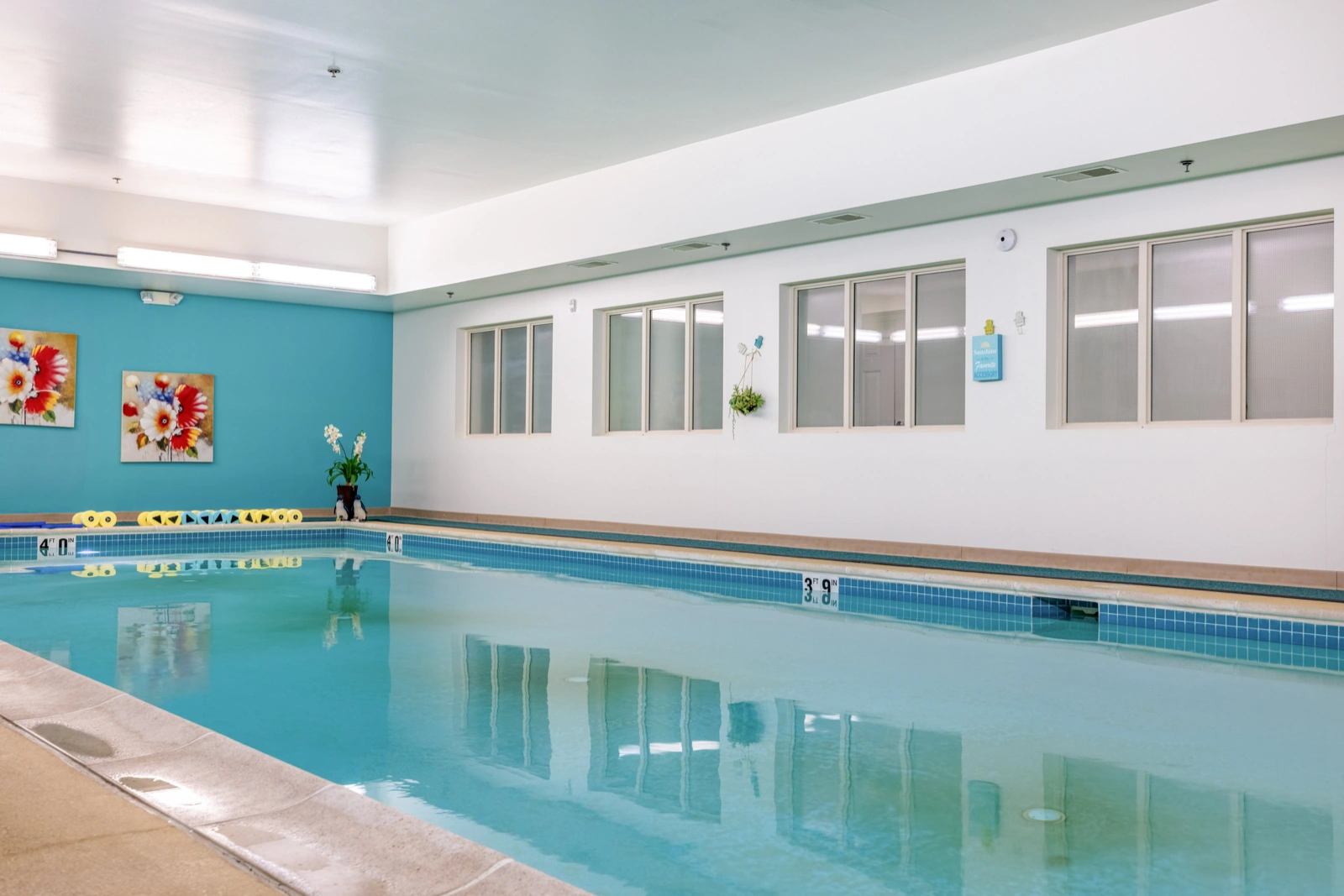
• Pool, spa, sauna and fitness centre
• Meeting rooms and business facilities
• Services like airport shuttle, luggage storage and parking
Amenity photos sell more than the room, too. Our piece on selling more hotel rooms and services with professional photography covers the upsell side.
Aparthotels and serviced apartments
Every apartment type, each room within the unit plus a wide shot of the whole apartment, and the equipped kitchen.
Vacation rentals
• Every bedroom, with bed configuration clear
• Kitchen, living area and dining space
• Balcony, terrace, garden or view
• Parking and any access details guests need
Family-focused properties
Booking.com specifically calls out kids' clubs, children's pools, high chairs, cribs and safety features like pool fences or stair gates. Shoot these without children in frame; the minors rule makes that non-negotiable.
Once shot, tag everything. The Extranet's tags help link your property to guest searches, and room galleries should only show facilities found in that specific room type. A suite's freestanding bath in the standard-room gallery is a complaint waiting to happen.
Seasonal refresh: keep the gallery honest all year
A ski chalet photographed in August sells a green hillside to someone booking for February. Booking.com's own FAQ for year-round properties points partners to updating the gallery to show seasonal photos and specific amenities such as swimming pools or ski storage through the Property page in the Extranet.
A practical cadence:
• A full reshoot every time you renovate, re-furnish or rebrand
• A seasonal top-up twice a year for anything weather-dependent: pools, terraces, gardens, ski access, Christmas markets on the doorstep
• A quick audit every quarter to swap out anything that no longer matches reality
For the creative side, see four ways seasonal photography captures travellers' attention. A stale photo is a broken promise, and broken promises show up in review scores.

AI editing, virtual staging and the honesty line
Can you use AI on Booking.com photos? Yes, within limits, and the limits come from three directions.
Booking.com's own content guidelines protect users from content unrelated to the travel experience, including AI-generated content that is misleading or deceptive, and prohibit content "likely to mislead, deceive, or confuse" users. As of September 2026 we found no Booking.com rule requiring an "AI-edited" label. The test is whether the image misleads.
Google is more explicit. Its standard for Business Profile photos, which applies to hotel profiles, says images should have no significant alterations or excessive use of filters or AI.
And in the EU, Article 50 of the AI Act requires providers of generative AI systems to ensure outputs are marked in a machine-readable format and detectable as artificially generated or manipulated (standard assistive editing is exempt). Don't strip that metadata in your export pipeline.
Where does that leave you?
• Safe: exposure, white balance, straightening verticals, removing a stray cable or a guest's forgotten water bottle, sharpening
• Risky: replacing a grey sky with a blue one, "improving" a view, virtually furnishing a unit that guests will find empty
• Out: adding amenities, enlarging rooms, erasing a building site across the street
Virtual staging has its uses in property sales (see the dos and don'ts of virtual staging). But a hotel guest buys the room as photographed. If the sofa isn't there on arrival, it shouldn't be in the photo. Our breakdown of AI photo editing covers where AI genuinely helps.
One shoot, every channel
Few operators sell only on Booking.com. A shoot built to Booking.com's spec covers the other major channels too.
• Booking.com. Resolution guidance: Min 2048 x 1080, preferably 4000 x 3000. Coverage guidance: 10+ photos, 4 per room plus bathroom. Source: Booking.com Partner Hub.
• Expedia Group. Resolution guidance: At least 2,880 px on the longest side; under 1,000 px rejected. Coverage guidance: 4 per room type (1 bathroom), exterior, lobby, 1 per key amenity. Source: Expedia Group photo guidelines.
• Airbnb. Resolution guidance: At least 1200 x 800 px, up to about 10 MB. Coverage guidance: Horizontal; photos cropped to squares in search. Source: Airbnb Resource Center.
• Google Business Profile. Resolution guidance: 720 x 720 px recommended, 250 x 250 minimum, 10 KB to 5 MB. Coverage guidance: At least 3 photos of popular rooms, 1 per common area. Source: Google Business Profile Help.
Shoot one master set at 4000 x 3000 or higher, subject centred so square and widescreen crops both survive, then export per channel. Airbnb's note that images are cropped into squares in search results is the best argument for centred composition.
Two traps to watch. Expedia tells partners to leave out identical or near duplicate images, so don't pad galleries with three angles of the same bed. And Google Business Profile photos only show once the business is verified.
Consistency across a portfolio: where it breaks
One boutique hotel can brief one photographer and get a beautiful gallery. The problem starts at property number five.
A hotel group with 30 properties across Portugal, Spain and Italy, or a rental manager with 400 apartments in a dozen cities, hits the same wall. Local photographers shoot at different heights, in different light, with their own idea of "the room". One market leads with the pool, another with a bathroom. Guests comparing two of your properties see two different brands. We've written before about why image quality and consistency drive success for leading property brands, and the same holds for hospitality marketing.
What fixes it:
1. A written shot list per property type, with a named main-photo candidate
2. Technical standards: camera height, lens range, lights on, curtains open
3. One editing style, applied centrally
4. QA against Booking.com's avoid list before upload
5. A refresh calendar tied to renovations and seasons
In-house teams struggle here because finding, vetting and briefing photographers in each market is a job in itself. That's the problem Snappr is built to solve. With Capture, Snappr's on-demand photography service, teams book vetted professional photographers for property shoots. On the Enterprise tier, you get one point of contact and one delivery pipeline across locations. Snappr builds expert-assisted guidelines with you so every photographer gets the same brief, and every booking is edited centrally in-house with QA before delivery. Workflows automation and API access push finished galleries to the tools your team already uses, and Magic, Snappr's AI editing and generation line, handles honest clean-up like colour correction or a stray cable. For tours as well as stills, our 2026 guide to automating property photos and virtual tours walks through the setup.
Snappr's platform has captured 250M+ photos worldwide and is trusted by over 70% of Fortune 500 companies. For a hotel group, the point is consistency: one brief, one editing standard, every property.
Making the business case
Photography budgets get cut when nobody connects them to revenue. Here's a framework to take to finance.
1. Baseline. Pull the last 12 months of Booking.com room nights and ADR for each property from the Extranet.
2. Diagnose. Score each gallery against this guide: coverage, resolution, main photo, avoid list, seasonal relevance, page score.
3. Size the upside conservatively. Booking.com's own ceiling is up to 18% more bookings for a complete property page versus an incomplete one. Model a low single-digit uplift on the weakest galleries.
4. Price the reshoot against the modelled revenue.
5. Measure. Reshoot a test group, keep a control group, and compare page-view-to-booking conversion over the next season.
For illustration only: a 120-room hotel selling 20,000 Booking.com room nights a year at a €140 ADR books €2.8 million through the channel. A 2% uplift is worth €56,000 a year. Run it with your own data, and remember the Mykonos example: rate is a lever too.
What's changing next
A few shifts are worth planning around:
• 360° photos now have their own upload section in the Extranet, with a 2:1 spec and 1280 x 900 minimum. See the rise of virtual tours.
• Algorithms do more of the curation. With Smart ordering choosing the sequence, every photo in the gallery needs to be one you'd happily lead with.
• Alternative accommodation keeps growing. Booking Holdings' 2025 annual report puts Booking.com's mix of room nights for alternative accommodation at approximately 36% in 2025, up from about 35% in 2024. More demand, and more competition in the same grid.
Build a gallery that works as hard as your front desk
The Booking.com photo requirements aren't complicated. Ten photos, four per room, the right resolution, landscape, no watermarks, nothing misleading. What's hard is meeting them at every property, every season, to the same standard, while your team runs hotels.
That's the part Snappr takes off your plate. Book time with Snappr's Enterprise team for a free assessment of your portfolio's galleries and a plan to bring every property up to spec.
Frequently asked questions
What are the Booking.com photo requirements?
Booking.com asks for at least 10 landscape photos at a minimum of 2048 x 1080 pixels, preferably 4000 x 3000. You should include at least four photos of each room or unit plus one of the bathroom and toilet. Avoid collages, watermarks, heavy filters, black-and-white and fisheye shots, and never upload images showing personal data.
How many photos should I upload to Booking.com?
The minimum is 10, but Booking.com also asks for four photos per room or unit plus the bathroom, so most hotels need 30 or more. Aparthotels and condo hotels should upload at least 24, covering every apartment type. The Photos API allows up to 299 photos per property.
What size should Booking.com photos be?
Booking.com recommends at least 2048 x 1080 pixels and prefers 4000 x 3000 pixels, shot in landscape orientation. The upload system technically accepts files from 300 x 300 up to 14000 x 14000 pixels and 50 MB. For 360° photos, use a 2:1 ratio at a minimum of 1280 x 900 pixels.
How do I change my main photo on Booking.com?
In the Extranet, go to Property, then Photos, and drag your chosen image into the Preferred main photo spot, or select a photo and choose Set as preferred main photo. Booking.com's Smart ordering feature uses machine learning to order the rest of your gallery, and you can turn it off if needed.
Does Booking.com have a photo score?
Booking.com's Partner Hub doesn't describe a standalone photo score. Photos feed into the property page score, a checklist of missing content, and Booking.com says properties with a 100% score can get up to 18% more bookings than those with incomplete content.
Can I use AI-edited or virtually staged photos on Booking.com?
Booking.com prohibits AI-generated content that is misleading or deceptive, and content likely to mislead or confuse users. Standard edits like exposure and colour correction are fine. Anything that changes what guests will actually find, such as adding furniture, amenities or a better view, risks breaching the guidelines.
Can people appear in Booking.com photos?
Booking.com advises against portraits or photos where people are the main focus, and its content guidelines don't permit images of identifiable minors. Shoot rooms and facilities empty, and photograph family amenities like kids' pools without children in frame.
Sources
1. Booking.com for Partners: Understanding photo requirements for your property: photo count, per-room coverage, aparthotel minimum, resolution, orientation, 360° spec, avoid list, PII rule, rights, shot-list tabs
2. Booking.com for Partners: Uploading, deleting, reordering and editing photos: preferred main photo, Smart ordering, tagging, room galleries
3. Booking.com for Partners: Optimizing your property listing: 100% property page score and up to 18% more bookings
4. Booking.com for Partners: Improve visibility and ranking: 63% of guests use photos as primary source; main photo and click
5. Booking.com for Partners: Property page solution: property page score, 10 tagged photos, seasonal photo FAQ
6. Booking.com for Partners, Click. magazine: Why photography is more than just a marketing tool: Mykonos villa reshoot, 20% price increase
7. Booking.com developer docs: Step 11, add property photos: upload limits, 299 photos, first photo becomes main
8. Booking.com content guidelines: misleading AI-generated content, identifiable minors, travel-related images
9. Booking Holdings Form 10-K, fiscal year 2025: 4.4 million properties, room night growth, alternative accommodation mix
10. Expedia Group photo guidelines (2018): 11% conversion from unique room photos, 60% bathroom importance, 2,880 px, primary image guidance
11. Airbnb Resource Center: How to take great photos for your listing: 1200 x 800 px minimum, square crops in search
12. Google Business Profile Help: Tips for business-specific photos: resolution, "no significant alterations or excessive use of filters or AI", hotel room and common-area minimums
13. EU AI Act, Article 50: machine-readable marking of AI-generated images


