
Creating Videos That Outlast Events
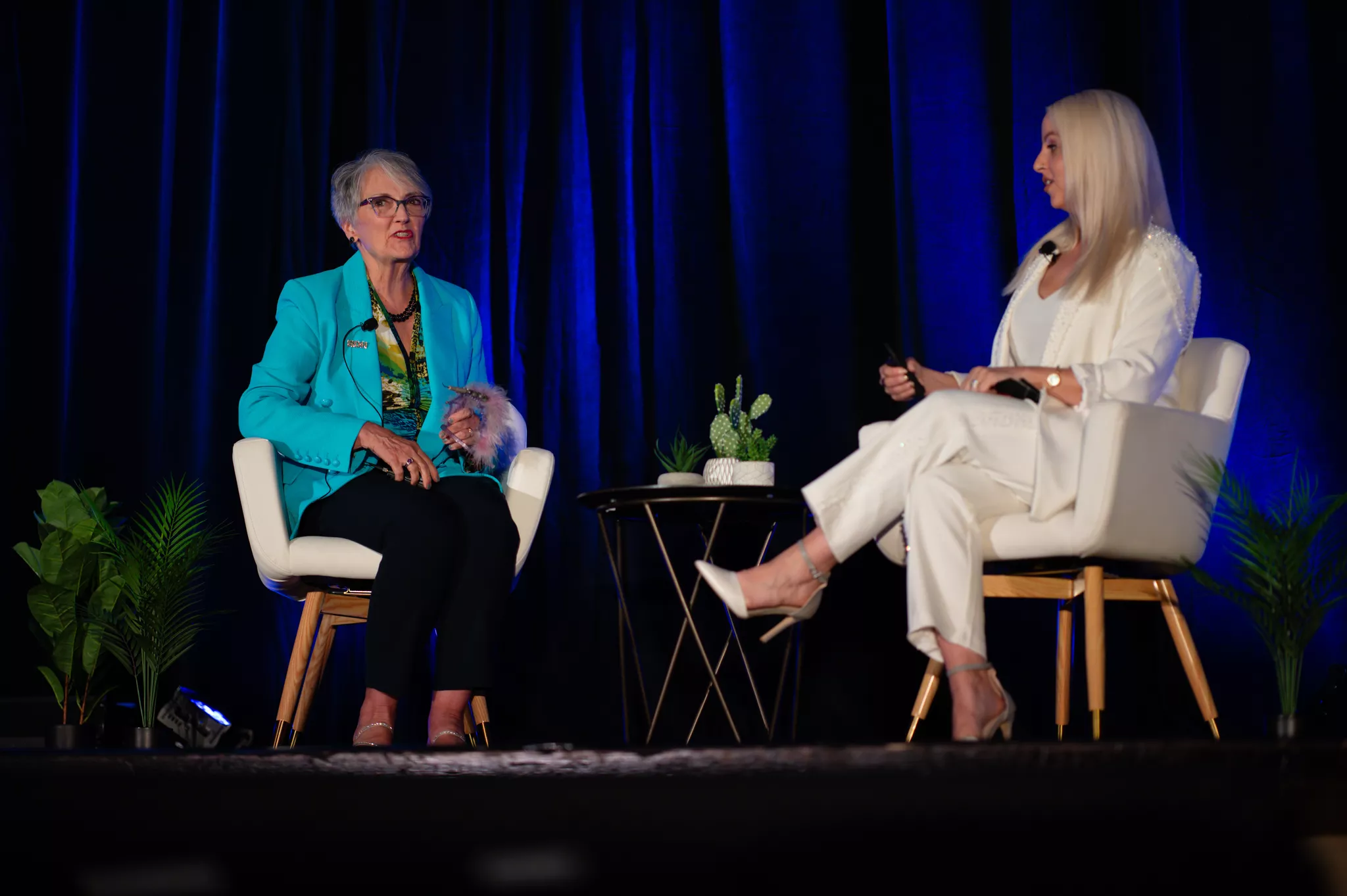
You spent six months and a quarter of your annual marketing budget on a single two-day event. The keynote landed. The product demo got a standing ovation. Three of your biggest prospects flew in. And then the lights came up, the badges came off, and the moment was gone.
The only thing left was whatever your event videographer captured.
That is the entire premise of event videography in 2026. Live events are the most expensive marketing channel most companies still operate, and according to a Gartner 2025 CMO Spend Survey covered by Campaign, events command 19.3% of all offline marketing spend, the largest single offline allocation. Yet the asset that determines whether that spend keeps paying off long after the venue is empty is rarely treated like a strategic priority. It is treated like a line item.
What Event Videography Is
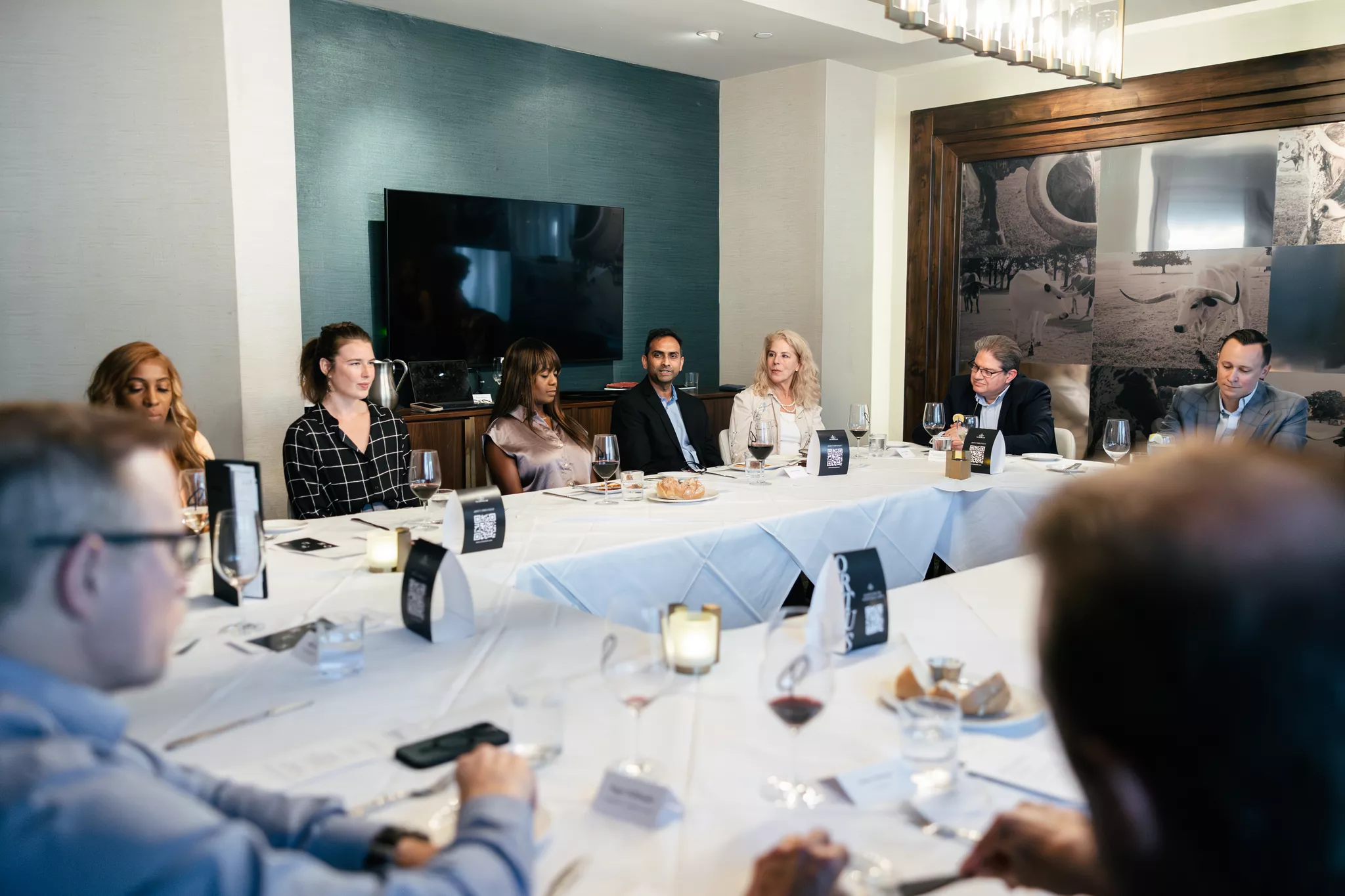
Event videography is the art of capturing and editing social and special events onto video, covering everything except weddings. In practice, that catches a wide range: corporate conferences, product launches, charity galas, awards ceremonies, sports tournaments, concerts, brand activations, trade-show booths, panel discussions, executive keynotes, and even the social events around the main stage, like networking receptions and after-parties.
What separates event videography from other forms of video production is constraint. There is no second take. The CEO walks the stage once. The product reveal happens at 7:42 PM, whether the camera is rolling or not. Every other genre of video is built around the assumption that you can reset and shoot again. Event videography is built around the assumption that you cannot.
That single constraint reshapes everything downstream: gear has to be redundant, crews have to be rehearsed, audio has to be captured at multiple points, and post-production has to extract a story from whatever the cameras actually got. The best event videographers are not the ones with the best cameras. They are the ones with the best contingency plans.
What used to be a nice-to-have wedding-video-adjacent service is now a core piece of B2B and B2C marketing infrastructure.
Why Event Videography Earns Its Budget Back
The headline question every CMO asks before signing off on event video coverage is the same: What does this actually return? The data has gotten dramatically better at answering it.
Start with the macro picture. The Wyzowl 2026 video marketing survey, summarized at DigitalApplied, reports that 91% of businesses now use video as a marketing tool, up from 86% just two years earlier. Video has crossed the threshold from differentiator to default. Not having professional video coverage of your flagship event is, increasingly, the anomaly.
The conversion case is even sharper. The same DigitalApplied analysis cites an 86% lift in landing page conversion when video is added and a 65% increase in email click-through rate when video is embedded. Apply that to a post-event campaign that goes out to thousands of attendees and prospects, and the math starts to look unambiguous.
Where the event video actually outperforms
The most underappreciated stat in this category comes from Wistia's 2026 State of Video Report, which analyzed over 13 million videos across 79 million hours of viewing data. The finding: videos placed on event pages saw the highest engagement rate of any page type on a website, beating product pages, homepages, and blog posts.
The reason is intuitive once stated. Visitors who land on an event page have already self-selected as interested. Putting a sizzle reel from last year's edition in front of them is the lowest-friction conversion mechanism a marketing team can deploy.
LinkedIn engagement reinforces the same pattern at the social layer. eMarketer reported in January 2026 that paid video ads on LinkedIn grew 30% year over year, fueled by short-form content. The B2B audience is now actively seeking the kind of authentic, in-the-room footage that only event videography can provide.
Why the spend math actually works
Take a $250,000 industry conference and budget $20,000 for a two-camera event video crew with editing. That 8% cost rider produces, conservatively: one 90-second sizzle reel, ten 30-to-60-second social cuts, three speaker keynote replays, a recap email video, a sales-enabled product demo segment, and B-roll for the next twelve months of content.
If that bundle of assets adds even one closed deal, the ROI on the video specifically is usually multiples of the spend. If it powers a year of content marketing on top, it ranks among the most leveraged dollars on the marketing spreadsheet.
That same logic underpins how Snappr customers think about visual content more broadly. As we explored how professional photography helped Renters Warehouse increase inquiries by 10x, the right visual asset, bought once, yields returns measured in inquiry volume for years.
Pre-Production: Where Great Event Videos Are Made
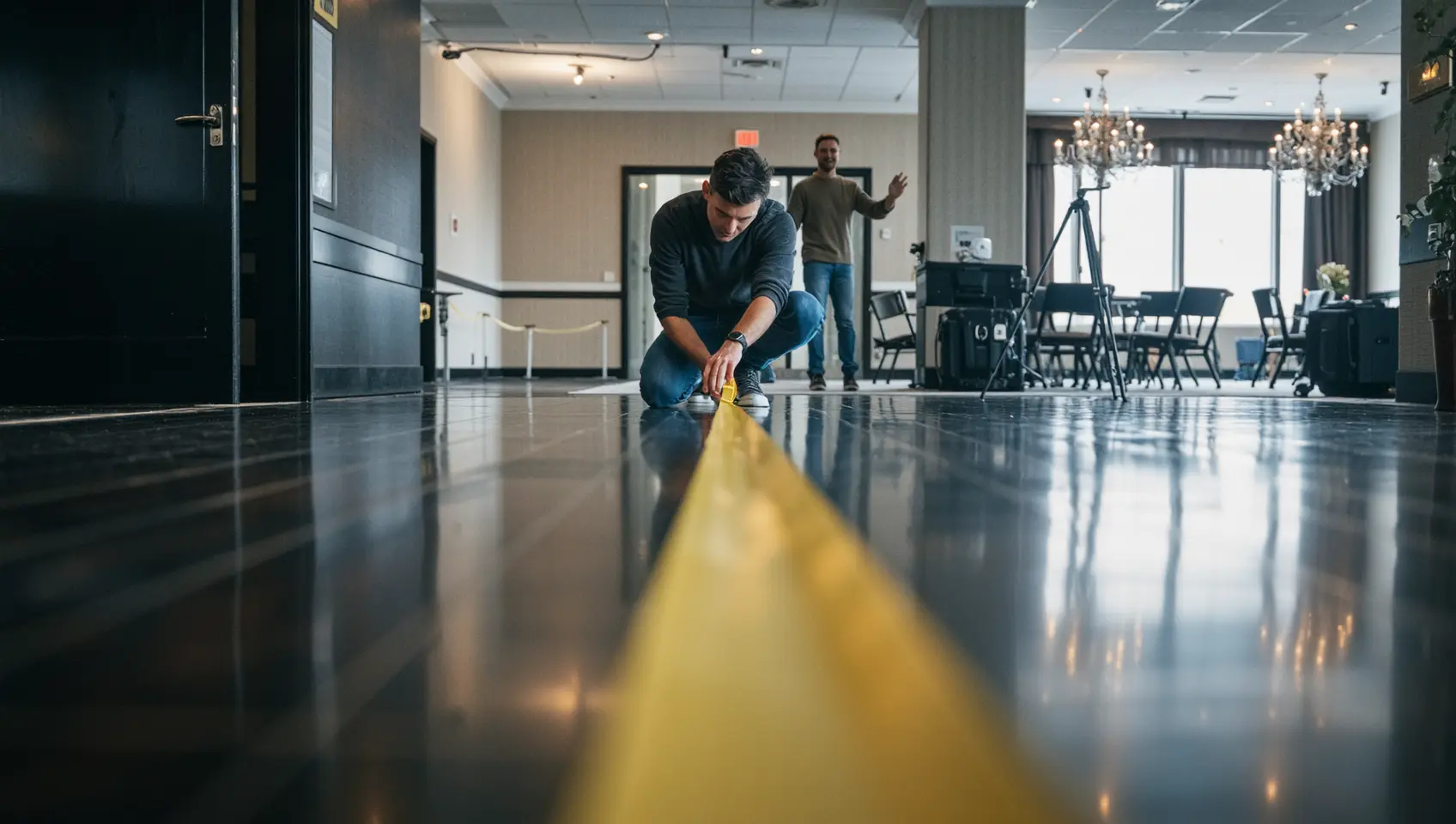
Most amateurs think the shoot is where the work happens. The professionals know the shoot is where the planning gets executed. Here is the pre-production sequence that the best crews run for every event.
Step 1: Define the deliverables before you define anything else
The single biggest mistake teams make is hiring an event videographer and then deciding what they want afterward. The shot list, gear, crew size, audio plan, and edit timeline all flow from the deliverables. A 60-second hype reel for Instagram needs a completely different shoot than a one-hour replay-quality keynote recording.
Start by listing every video asset you want out of this event. A typical corporate event deliverable list might look like this: - One 90-second sizzle reel for social and the next event's landing page - Eight to twelve 30-second clips for LinkedIn and short-form social - Full-length recordings of three keynote sessions for replay and sales enablement - A two-minute customer story video featuring three on-site interviews - A three-minute recap video for the post-event email blast - B-roll library for the next twelve months of marketing content
Once that list is locked, every other pre-production decision becomes downstream of it.
Step 2: Walk the venue
Never shoot an event you have not seen. A venue walk identifies sightlines for cameras, power outlets, lighting conditions at different times of day, the locations of the audio mixing board, the green room, the sponsor booth, and the bar for the reception, as well as where you can stash gear safely between sessions. This is also where you find the surprises the venue forgot to mention, like the giant pillar in the middle of the main hall, or the fact that the room dims for video segments.
Step 3: Build the shot list and schedule
A useful shot list is timestamped against the event schedule. For each session, the list specifies which cameras are where, who is operating them, what they capture, and which audio source they pull from. The same goes for non-session moments: registration, networking breaks, the keynote walk-on, the standing ovation, candid shots of attendees, and sponsor booth visits.
The crews that consistently deliver are the ones who treat the shot list as a living document, updating it the day before based on the venue walk and the day of based on the run-of-show.
Step 4: Brief the speakers and stakeholders
Every speaker on camera gets a one-page briefing: when to expect the camera, where to look, mic check time, and a permission release on file. Every stakeholder who might appear (CEO, customer, sponsor) gets the same. This avoids the deeply unproductive moment when the C-suite finds out about the camera ten seconds before they are on it.
Step 5: Confirm the contingency plan
What happens if a camera fails? What happens if the venue's audio feed dies? What happens if the keynote runs forty minutes long? What happens if the headline speaker cancels? The pros war-game these before the event, not during.
Capturing the Event: Coverage, Composition, and B-Roll
By the time the doors open, the shoot becomes execution. Three principles separate professional event coverage from amateur footage.
Multi-camera coverage is non-negotiable
A single-camera event shoot is a recipe for unusable footage. The minimum professional configuration for a keynote-style session is three cameras: a locked-off wide on a tripod showing the full stage, a medium on the speaker tracking their movement, and a roaming third camera capturing audience reactions, slide pickups, and cinematic angles. Without the third camera, the edit feels static. Without the wide, you have no establishing shot. Without the medium, you have no usable footage of the speaker.
For panels with multiple speakers, add a fourth camera or be prepared to whip the medium between participants.
B-roll is what makes the edit feel like an event
The keynote itself is the spine of the recap. B-roll is what gives it texture. Plan for thirty minutes of B-roll across registration, networking, sponsor booths, hallway energy, attendee close-ups, the room filling up, the standing ovation, branded signage, and the venue exterior. The team at Bull and Wolf put it cleanly in their event production guide: every event has a narrative arc; find it and follow it. The B-roll you shoot during the day is the connective tissue that gives the edit room to do exactly that.
A useful rule of thumb: shoot at least three times more B-roll than you think you need. The cost of an extra twenty minutes of crowd shots is essentially zero. The cost of finishing the edit and realizing you have no transition footage is enormous.
Composition discipline
The signature of an amateur event video is a static, eye-level wide shot of a speaker that remains in place for the entire keynote. The signature of a professional one is a varied composition: high angles, low angles, over-the-shoulder, audience-first, slide-first, hands-on-product. The cuts feel motivated because the framing actually changes.
Mark Campbell Productions frames this as the difference between event videography and event cinematography. Both capture the event. Only the second one tells a story.
Audio: The Part Nobody Notices Until It Goes Wrong
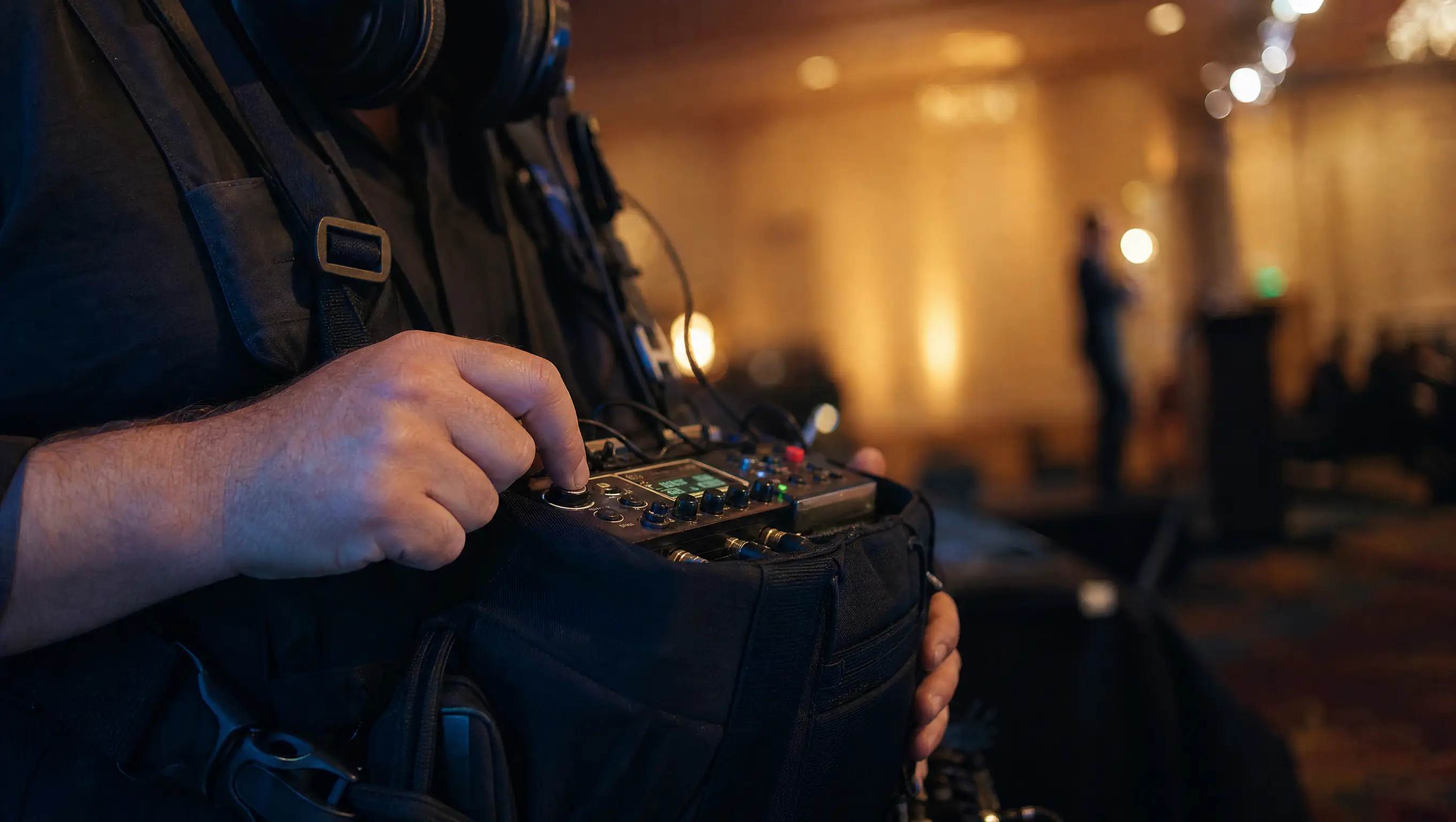
Ask any seasoned event videographer about their last bad shoot, and you will hear an audio story. Bad video gets noticed in passing. Bad audio kills a keynote replay instantly.
The professional audio chain for an event runs four redundant sources in parallel. First, a direct feed from the venue's audio board, which gives you the cleanest possible signal of every microphone the venue is already running. Second, a wireless lavalier on the speaker as a backup in case the board feed has issues. Third, an on-camera shotgun for ambient room sound (laughter, applause, energy). Fourth, an independent digital recorder rolling the entire session as a fail-safe.
The reason for the redundancy is unforgiving. If the board feed fails halfway through a 45-minute keynote and the lav is the only backup, but it runs out of battery at minute 30, you have lost 15 minutes of irrecoverable audio. The crews who stay employed are the ones who never get into that situation.
A useful shortcut when you are vetting an event videography vendor: ask them what their audio plan is. If the answer is "we use the camera mic," keep looking.
Storytelling: Turning Footage Into a Watchable Edit
Footage is a raw material. The story is the product. The teams that consistently produce event videos people actually share are working from a story arc, not a chronological timeline.
The three-act event recap
The default arc most professional editors use for an event recap looks like this.
Act one establishes the setting and the stakes: we hosted an event, and here is who came and what they were here for.
Act two delivers the substance: the keynote moments, the product reveal, the customer reaction, the conversations that mattered.
Act three delivers the emotional payoff: standing ovations, networking energy, attendee testimonials, and a visual sense of an event that worked.
A two-minute recap that follows this structure outperforms a five-minute chronological highlight reel almost every time.
Use the audio as the spine
The strongest event recaps are usually built around a single anchor audio bed: a CEO line from the keynote, a customer testimonial, or a clip of a speaker delivering the conference's thesis. Editors lock that audio first and cut B-roll to it. The result feels like a cohesive narrative rather than a slideshow with music.
Cut for the platform
The 90-second LinkedIn version, the 30-second Instagram Reel, and the four-minute YouTube recap are not the same edit at different lengths. There are three different stories. Plan and budget for each one separately rather than treating them as exports of the same master.
Live Streaming: The Other Half of Modern Event Videography
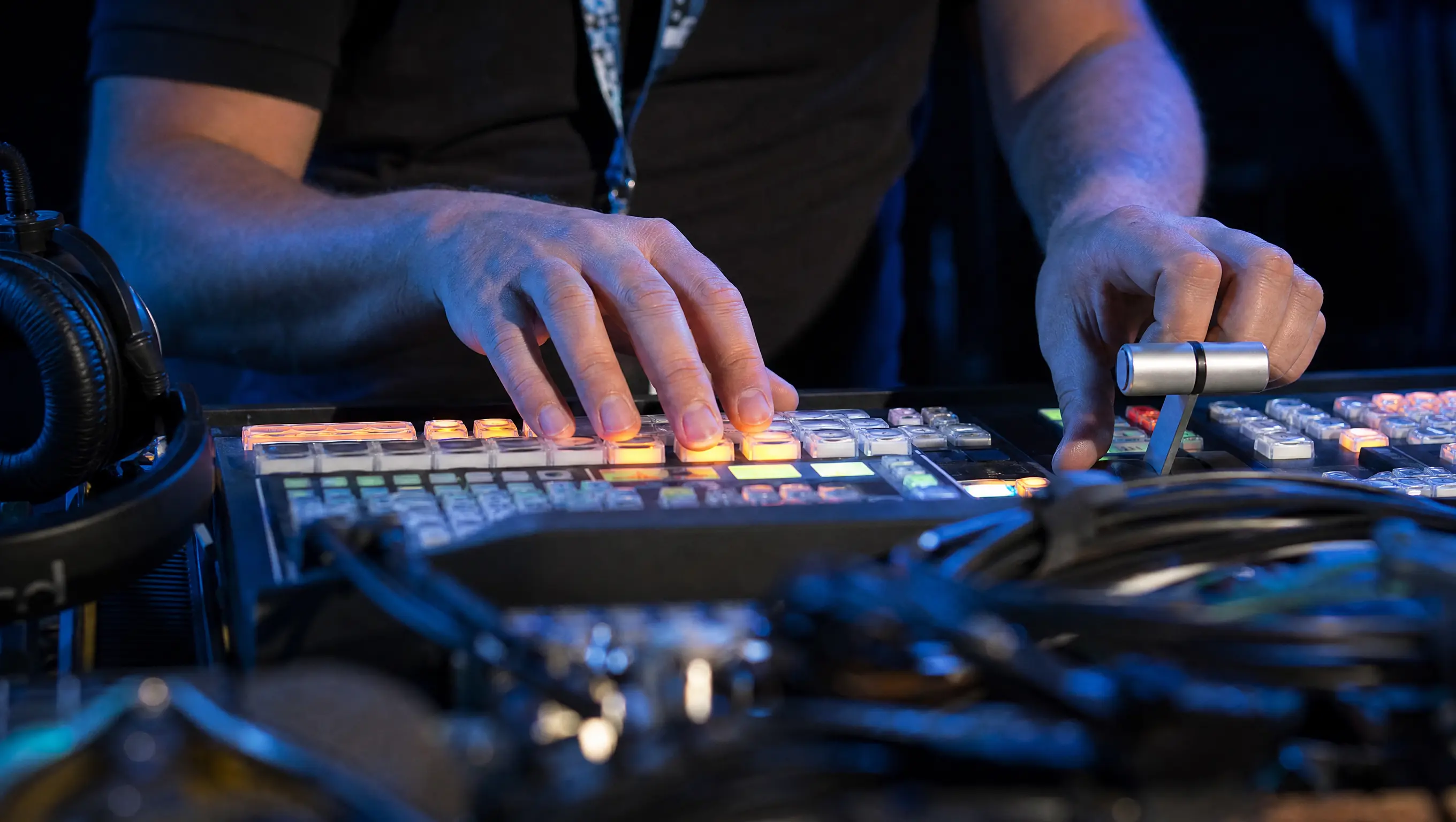
A 2026 event video budget that excludes a live stream is an outlier. Hybrid event participation is now standard, and the live stream is increasingly the largest audience for any given event, even when the in-person crowd is the priority.
The live stream stack for a professional event runs in addition to, not instead of, the recorded coverage. A typical setup has a dedicated streaming switcher (ATEM Mini Pro, vMix, or Tricaster) ingesting two to four cameras, a graphics overlay system for lower-thirds and sponsor placements, redundant encoders pushing the stream to YouTube and a private hybrid event platform simultaneously, and a dedicated technician running the broadcast separately from the recording crew.
The strategic case is straightforward. The live stream extends the audience by an order of magnitude in some cases. It generates real-time social moments. It gets clipped into next year's promo reel. And it doubles as the cleanest possible recording of every camera angle, since the streamed mix is itself a finished edit.
Distribution and Repurposing: Making the Footage Earn Its Keep
The single biggest mistake teams make with event videography is treating the recap reel as the deliverable. The recap reel is the artifact. The system that distributes it is the deliverable.
The 12-month repurposing plan
A well-managed event video shoot produces enough footage to seed a year of marketing content. Map this out before the shoot, not after.
A useful baseline distribution plan looks something like this:
- Week 1 post-event: 90-second sizzle reel as the recap email video, social hero, and sales follow-up attachment.
- Weeks 2 to 4: Eight to twelve short-form clips, one per week, posted across LinkedIn, Instagram, TikTok, and YouTube Shorts
- Months 2 to 3: Three keynote replays released as on-demand, gated where appropriate, used in sales enablement and SDR outreach.
- Months 4 to 6: B-roll inserted into product launch videos, customer story videos, recruiting content, paid social ads, and the next event's promo reel.
- Months 7 to 12: Highlights resurfaced as anniversary posts, anchor content for the next event's landing page, and case studies featuring on-camera customer interviews.
This is the operating model behind Wistia's finding that event pages produce the highest engagement of any page type. It is not the magic of the page. It is what teams actually do with the footage they put there.
Optimize per platform, not per export
LinkedIn favors square or vertical, captioned, hooky in the first three seconds. Instagram Reels and TikTok favor vertical, fast cuts, and trending audio. YouTube favors landscape, longer form, and indexed thumbnails. The recap edit gets exported once, and then a separate platform-specific cut is made for each surface. Treating these as the same video kills performance on all of them.
The underlying message we cover in our piece on maximizing social media presence with strong visual content applies to event video as well. The platform shapes the format.
Scaling Across Many Events: The Enterprise Problem
For most companies, hiring a local event videographer for one event is straightforward. Hiring consistent, brand-aligned, predictable event video coverage for forty events a year across twelve cities is the actual hard problem. This is where the operational difficulty of event videography becomes a strategic decision rather than a vendor decision.
Why the in-house model breaks at scale
The first instinct most companies have is to build an internal video team. It works at low volume. It breaks at high volume for predictable reasons. Internal teams cannot be in two cities at once, which means events outside their home market get either travel-cost-loaded or skipped.
They also struggle during peak-load periods when 10 events occur in a single quarter. Hiring up the team is expensive at full-time-equivalent rates and creates utilization problems in the off-season. Outsourcing each event individually solves the capacity problem but introduces quality and consistency problems: every videographer brings their own visual style, audio approach, and edit pace.
The platform model for event video
The model that actually scales is platform-mediated: a centralized brief, brand guidelines, and edit standard that applies to every event, sourced through a network of pre-vetted local videographers who can be dispatched to any market on short notice.
This is exactly the operating model Snappr has built for visual content. The same approach works for event videography. With Snappr, an enterprise team defines the shoot guidelines once (camera setups, edit pace, audio standards, deliverable list, brand bumpers) and then dispatches local crews from Snappr's network into any of the markets where the company runs events. Coverage is consistent. Markets that previously had to be skipped because the in-house team could not fly out are now in scope. Edit standards remain constant because edits occur through a centralized post-production pipeline rather than by the local crew.
We have written about how this approach plays out in adjacent visual content categories. The piece on image quality and consistency as key factors for real estate brands lays out the same operating principle: at enterprise scale, consistency across markets is more valuable than peak quality in any single market. Event videography is the same problem as with a moving subject.
Why this matters more in 2026
Event marketing budgets are growing again at the enterprise level, and the Gartner survey covered by Campaign shows events claiming 19.3% of all offline marketing spend. The companies that figure out how to capture every one of those events with a consistent visual standard end the year with a content library that their competitors lack. The companies that do not end the year with a folder full of inconsistent videos from twelve different freelancers.
ROI Framework: How to Justify Event Video Spend Internally
The hardest part of running an event video program is not producing the content. It is defending the line item to a CFO who wants the spend in dollars and the return in dollars. Here is a framework that holds up in that conversation.
Step 1: Calculate the all-in cost per asset
Take the total event video spend (crew, edit, deliverables, live stream, post-production tools) and divide by the number of finished assets the shoot produces. A $10,000 event shoot that produces 1 sizzle reel, 10 short-form clips, 3 keynote replays, and a B-roll library has 14 asset units. That is roughly $715 per asset. A $20,000 shoot producing 2 sizzle reels, 20 short clips, 5 keynote replays, and a customer story video is $645 per asset. The bigger shoots are usually cheaper per asset.
Step 2: Compare against the alternative production cost
Producing one studio-shot 30-second social video typically costs $2,500 to $7,500, including talent, location, and editing. The 30-second clips from an event shoot cost roughly $645 to $1,000 each in our example. Event video is consistently the cheapest way to produce on-brand video content per asset, by a margin of 3x to 5x.
Step 3: Layer in the qualitative multipliers
Event video has structural advantages that no studio shoot can replicate. The footage is authentic (real customers, real reactions, real product being used). The customers in it have already self-selected as advocates. The keynote moments cannot be recreated in the studio. These are not soft benefits; they are why event video clips outperform polished studio content in every social platform's algorithm.
Step 4: Tie it to a measurable outcome
Pick one number you would have to defend if pushed: revenue influenced by the recap reel in a 90-day post-event window, pipeline created by the email campaign that featured event video, registration rate for next year's event among recipients who saw the recap, and brand search volume in the weeks after the event. Track that number. Compare events with strong video coverage to events without. The gap is the proof.
This is the same operating logic Snappr applies to its own enterprise customers. The asset is not the photo or the video. The asset is the measurable lift in conversion that the photo or the video produces. We covered the same principle in how Renters Warehouse increased inquiries by 10x using professional photography. The math is the same. Only the medium changes.
Trends Shaping Event Videography in 2026 and Beyond
The discipline is changing fast. Five trends are worth watching as you plan the next twelve months.
Trend 1: Vertical video is now the default deliverable, not the afterthought
Three years ago, the recap reel was 16:9 horizontal, and the vertical cut was the optional extra. That has flipped. The dominant social platforms (LinkedIn, Instagram, TikTok, YouTube Shorts) are now vertical-first. According to eMarketer, LinkedIn paid video ads grew 30% year over year, driven by short-form vertical content. Event videographers who shoot with vertical reframing in mind from the capture stage produce dramatically better social cuts than crews who shoot pure 16:9 and try to crop after.
Trend 2: AI-assisted editing is now baseline
Two years ago, AI in post-production was a novelty. In 2026, it is table stakes. Every professional event video edit now goes through some combination of AI transcription, AI clip identification, AI noise reduction, and AI vertical reframing. The crews that resist this are quietly being underpriced by the ones that do not.
Trend 3: Live streaming is becoming part of the base package
The 2020 to 2022 hybrid event boom established the live stream as a core deliverable. By 2026, it will be increasingly bundled into event video pricing rather than offered as an add-on. Companies that do not stream their flagship events are now the exception.
Trend 4: First-party event content is replacing stock and influencer content
Brands are pulling back from stock footage and creator-licensed content in favor of authentic first-party event footage. The customers in your event recap are real customers. The reactions are real reactions. The product demos are real demos. That authenticity is exactly what the algorithms reward in 2026.
Trend 5: Event video is becoming a recruiting asset
The fastest-growing use case for event videography in 2026 is not marketing, it is recruiting. Talent teams are using customer-event footage and internal-event footage in employer-brand campaigns at every funnel stage. A finished event video that shows a real team and real customers in real rooms now serves double duty as both a sales and a hiring asset.
The same pattern shows up in how we have written about the rise of virtual tours for real estate. The visual asset starts in one channel and ends up powering several. The event video has crossed that threshold.
Working With Snappr on Event Videography
If you have read this far, you already know event videography is more of an operational problem than a creative one. The hard part is not the shoot. The hard part is getting consistent coverage across every event your company runs, in every market, on the schedule dictated by the marketing calendar, with the same brand standard each time.
That is the problem Snappr has built its platform around. Snappr operates the largest on-demand professional visual content network in the world, covering 95% of US geography and 90% of the English-speaking world. Customers include 73% of the Fortune 500. The platform that handles photography for DoorDash, Instacart, and Renters Warehouse is the same platform that handles event video coverage for enterprise marketing teams.
What that looks like in practice for event videography: - One brief, applied to every event, in every city - Pre-vetted local crews dispatched on short notice - Centralized post-production with consistent edit standards - A unified footage library with tagging, search, and API access - Workflow automation that triggers shoots from your event calendar - AI-accelerated editing pipeline for fast post-event turnaround.
If your team runs more than four to six events a year and the in-house or one-off vendor model is straining, the platform model is the path forward. Book time with our Enterprise Visual Partners and hop on a free assessment call to map your event video program against your 2026 calendar.
Frequently Asked Questions
What is event videography?
Event videography is the professional video coverage of corporate, social, and special events, including conferences, product launches, awards ceremonies, fundraisers, panels, concerts, and trade shows. It typically excludes weddings, which are a separate discipline. Event videography produces both real-time deliverables (live streams, day-of social clips) and longer-format assets (recap reels, keynote replays, B-roll libraries) used across marketing, sales, and recruiting.
How much does event videography cost in 2026?
According to Thumbtack's 2025 videographer cost data, the national average price for a videographer is $961, with the typical range running $900 to $1,025. For a full-day corporate event with a two-person crew and multi-cam edit, expect $1,500 to $5,000. For a three-camera professional crew with dedicated audio and live streaming, $5,000 to $15,000 per event day is the norm. Enterprise event video programs that cover 20-plus events a year typically start at $50,000 annually.
What does an event videographer actually deliver?
A typical event videography package produces a 60- to 90-second sizzle reel, eight to twelve short-form social clips, full-length recordings of keynote sessions, a B-roll library, and, optionally, a live stream and customer interview content. The exact list of deliverables should be defined before the shoot, not after, because it determines crew size, gear, and the edit budget.
How is event videography different from event photography?
Event photography produces still images optimized for instant social sharing and post-event recap decks. Event videography produces motion footage optimized for storytelling, social engagement, and long-tail content. They are usually booked together, often from the same vendor, because they share venue access, scheduling, and creative direction. Most enterprise event teams treat them as a single visual content workflow.
What event videography services should an enterprise buyer look for?
The non-negotiables are multi-camera coverage (three or more), a professional redundant audio chain (board feed plus wireless plus shotgun plus independent recorder), a defined deliverable list before the shoot, a contingency plan for gear and schedule failures, and consistent crew availability across the markets where your events take place. For enterprise buyers running multiple events per year across multiple cities, a network-based platform like Snappr is structurally better than a single freelance vendor.
How long does it take to get the final event video?
Standard turnaround for a recap reel is 5 to 10 business days post-event. Short-form social clips can be turned around in 24 to 48 hours, particularly with AI-assisted editing pipelines. Full keynote replays are typically delivered within 2 to 3 weeks. Live streams are real-time. Faster turnarounds are possible with rush pricing.
Should I hire a local event videographer or work with a national platform?
For a single event in a single city, a local event videographer is usually the right call. For more than four events a year, especially across multiple markets, a national platform is structurally better because it solves the consistency, capacity, and travel-cost problems that break local-vendor models at scale. The point at which the platform model wins on cost alone is usually around six events per year.
Sources
- Campaign — Gartner 2025 CMO Spend Survey — events = 19.3% of offline marketing spend (cited twice: intro + "Why this matters in 2026")
- DigitalApplied — Wyzowl 2026 video marketing survey — 91% of businesses use video; 86% landing-page conversion lift; 65% email CTR lift
- Wistia — 2026 State of Video Report — 13M videos / 79M hours; event pages = highest engagement of any page type (cited twice)
- eMarketer — LinkedIn video ads — LinkedIn paid video ads +30% YoY (cited twice: business case + vertical-video trend)
- Bull and Wolf — event production guide — "every event has a narrative arc" (B-roll/storytelling)
- Mark Campbell Productions — Event Videography 101 — videography vs. cinematography (composition)
- Thumbtack — 2025 videographer cost data — national average $961, range $900–$1,025


