
Key Takeaways
- AI photo editing uses machine learning to handle retouching, background work, colour correction and batch consistency that used to take an editor hours per image.
- Editing and generation have converged. The same session can restage a photo you already have and produce a new one from a written brief.
- AI is strongest on volume and speed. It is weakest on fine edges, brand-critical colour, and anything a customer will compare against the physical product.
- The practical answer is not AI or a human editor. It is AI first, with a human on the images that carry real commercial weight.
- Snappr's Magic Studio is built around that split. It generates and edits from your own delivered shoots, an upload, or a written brief, and on Pro and Enterprise accounts it sends a generation on to a Snappr pro editor to finish.
What Is AI Photo Editing?
AI photo editing is the use of machine learning models to perform edits that used to require manual work: removing a background, correcting colour, retouching skin, erasing an object, or extending a frame. The model has been trained on enough before-and-after pairs to predict what the corrected version should look like, so rather than selecting and masking by hand, you describe the outcome and the software produces it. When you ask it to remove a blemish or soften skin, it predicts the corrected pixels rather than copying them from elsewhere in the frame, which is why it can fill areas where no matching source material exists.
The change here is not automation. Photo editors have shipped automated actions for decades. What is new is that the software interprets intent. An older tool applied a fixed operation to whatever you selected; an AI photo editor decides what to select, works out what sits behind the object you removed, and generates the missing pixels.
That is why AI editing took hold fastest in businesses with image volume rather than in creative studios. When you have four hundred listing photos or a catalogue refresh due, the constraint is throughput, and consistency across the set matters more than any single frame.
What Features Does an AI Photo Editor Have?
Feature sets vary between tools, but a current AI photo editor will do most of the following:
- Background removal and replacement. Cutting the subject out and placing it on white, a flat colour, or an entirely new scene. This is the most mature capability and the most heavily used.
- Object removal. Erasing a power line, a stray hand, or a bin in a driveway, then filling the gap with plausible background.
- Colour correction and grading. Matching white balance across a set, or shifting a whole shoot to a defined look.
- Retouching. Skin, blemishes, stray hair, dust on a product surface.
- Frame extension. Generating beyond the original crop so one shot can fill several aspect ratios.
- Restaging. Moving an existing subject into a different setting, which is where editing starts to overlap with generation.
- Batch processing. Applying any of the above across a set so the output is uniform rather than individually adjusted.
The last one explains most business adoption. A single well-edited photo is not hard to produce. Four hundred that look like they came from the same shoot is.
What's the Difference Between AI Photo Editing and AI Image Generation?
Editing starts from a photograph you already have and changes it. Generation starts from a written description and produces an image that never existed. These were separate products with separate workflows for years.
They have converged. The model that restages your packshot onto a marble counter can also produce that counter from nothing, and the only practical difference is whether you attached a source image. Tools built around this let you do both in one session: import a real photo, edit it, then generate variations using the original as a reference.
The distinction still matters commercially. An edit inherits the truth of the original photograph, which is what makes it usable for a product listing or a property. A generated image does not. A generated furniture scene is fine for a campaign; a generated product shot is not fine for a catalogue entry the customer will compare against what arrives in the box. Google's Merchant Center image requirements are explicit that the image has to represent the product being sold.
What Are AI Photo Editors Commonly Used For?
Four patterns cover most commercial use.
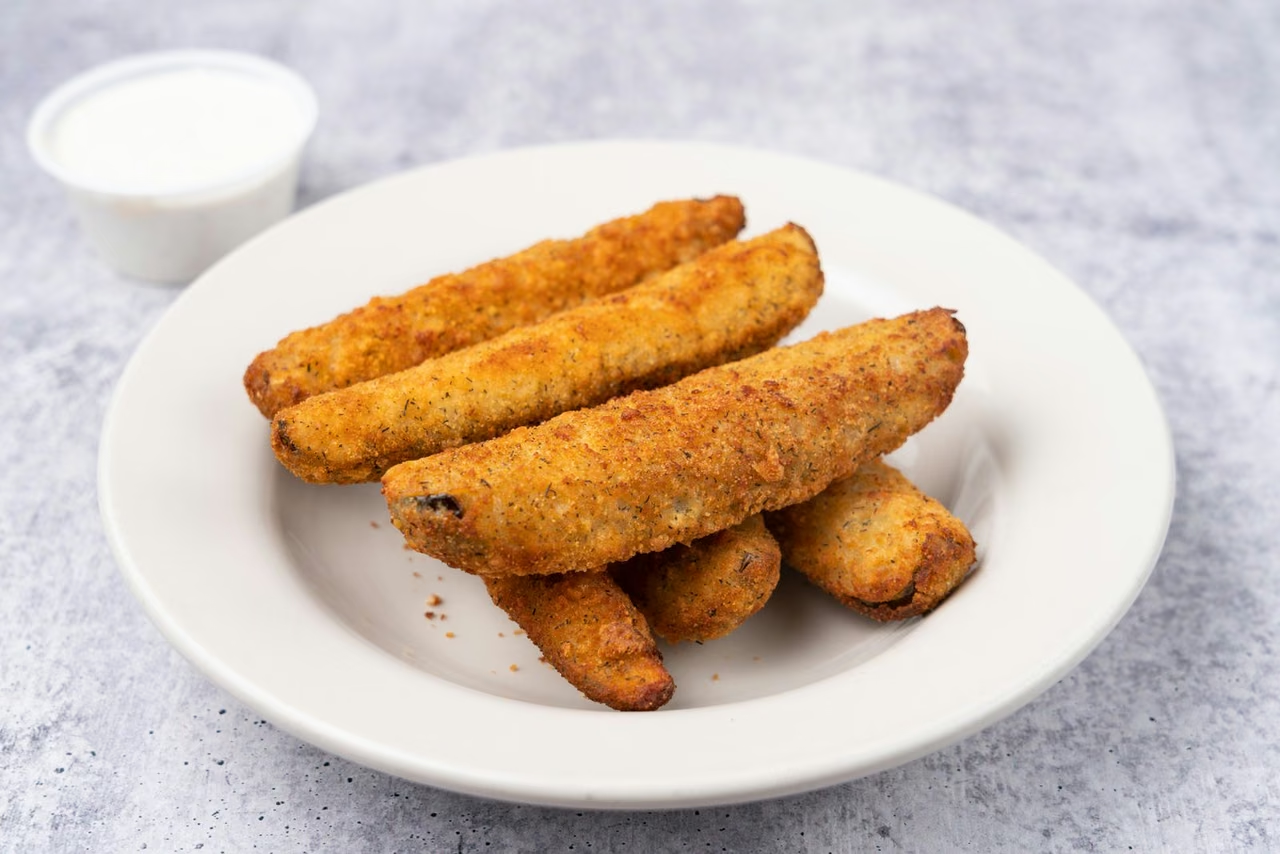
Restaging a Plain Packshot
A studio shot on a neutral surface is the best possible starting point, because the hard photographic work is already done. From one plate you can produce a picnic table, a restaurant setting, or a seasonal background without rebooking the shoot. For menu and restaurant work, that is the difference between one photo per dish and one photo per dish per campaign.
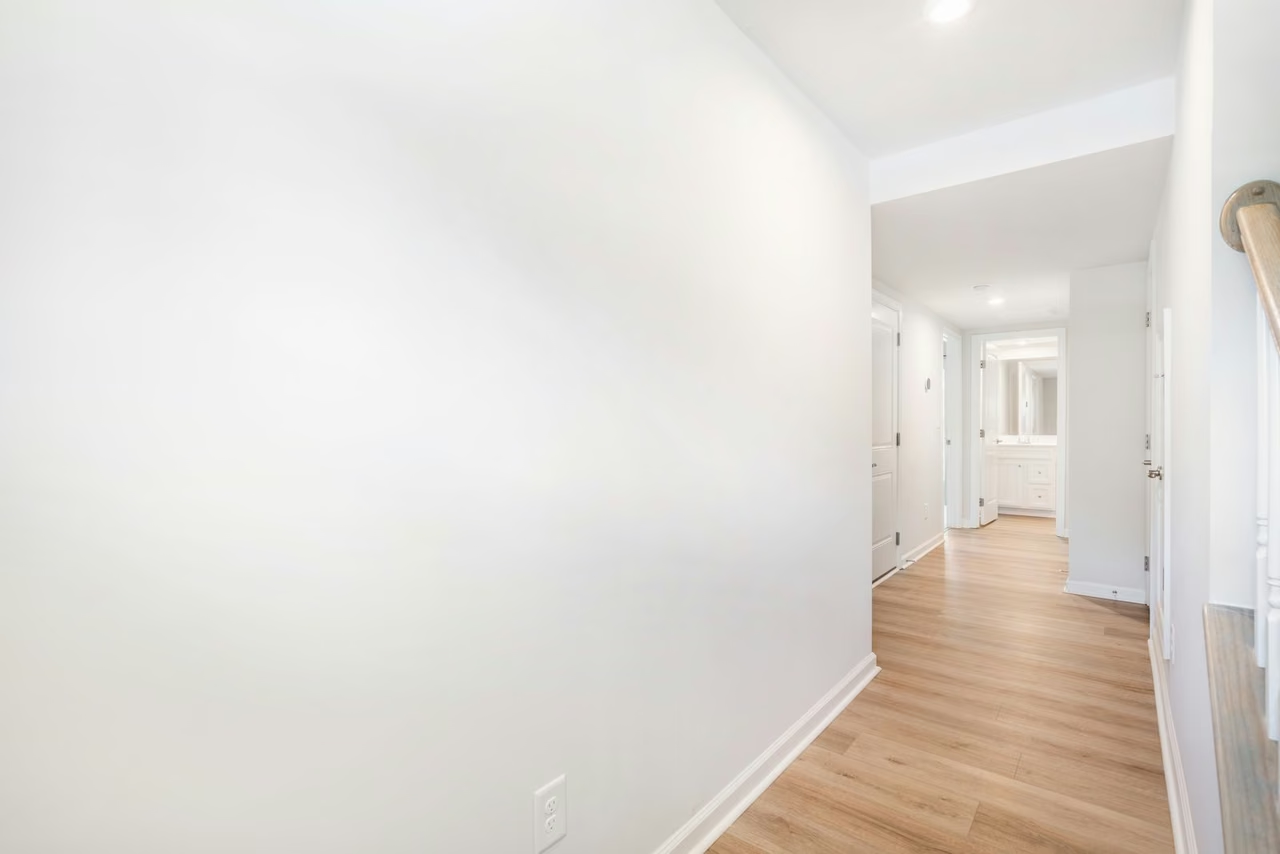
Virtually Staging an Empty Room
Furnishing a room digitally has moved from a specialist service you ordered to something you brief in a sentence. It remains one of the clearest wins for AI editing in real estate. Disclosure rules differ by market, so staged images generally have to be labelled as staged.
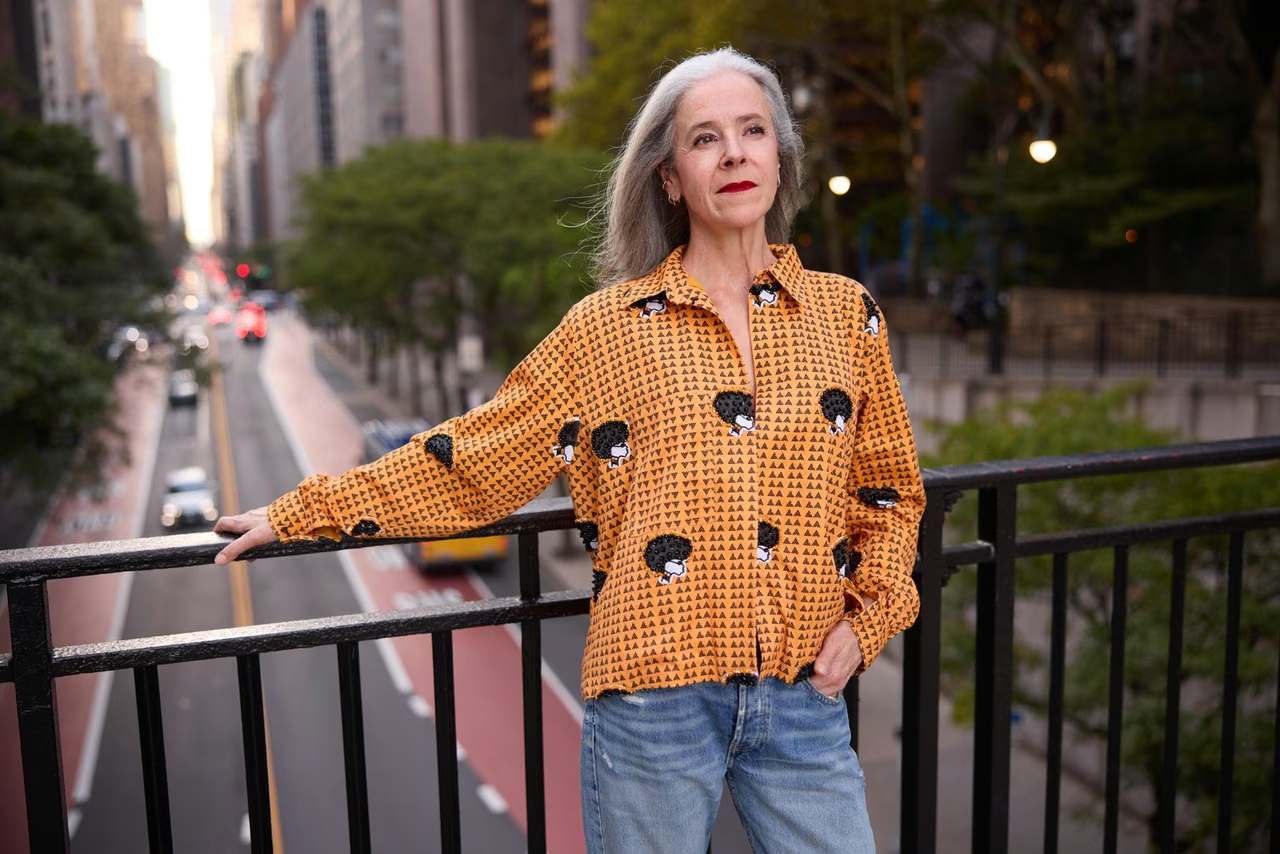
Putting a Product on a Model
Generating a model shot from a packshot removes a casting call and a location booking from the schedule. It also carries the most risk of the four patterns here, because fit, drape and fabric behaviour are exactly what these models approximate badly, and exactly what an ecommerce customer notices when the parcel arrives.
Regrading Light After the Fact
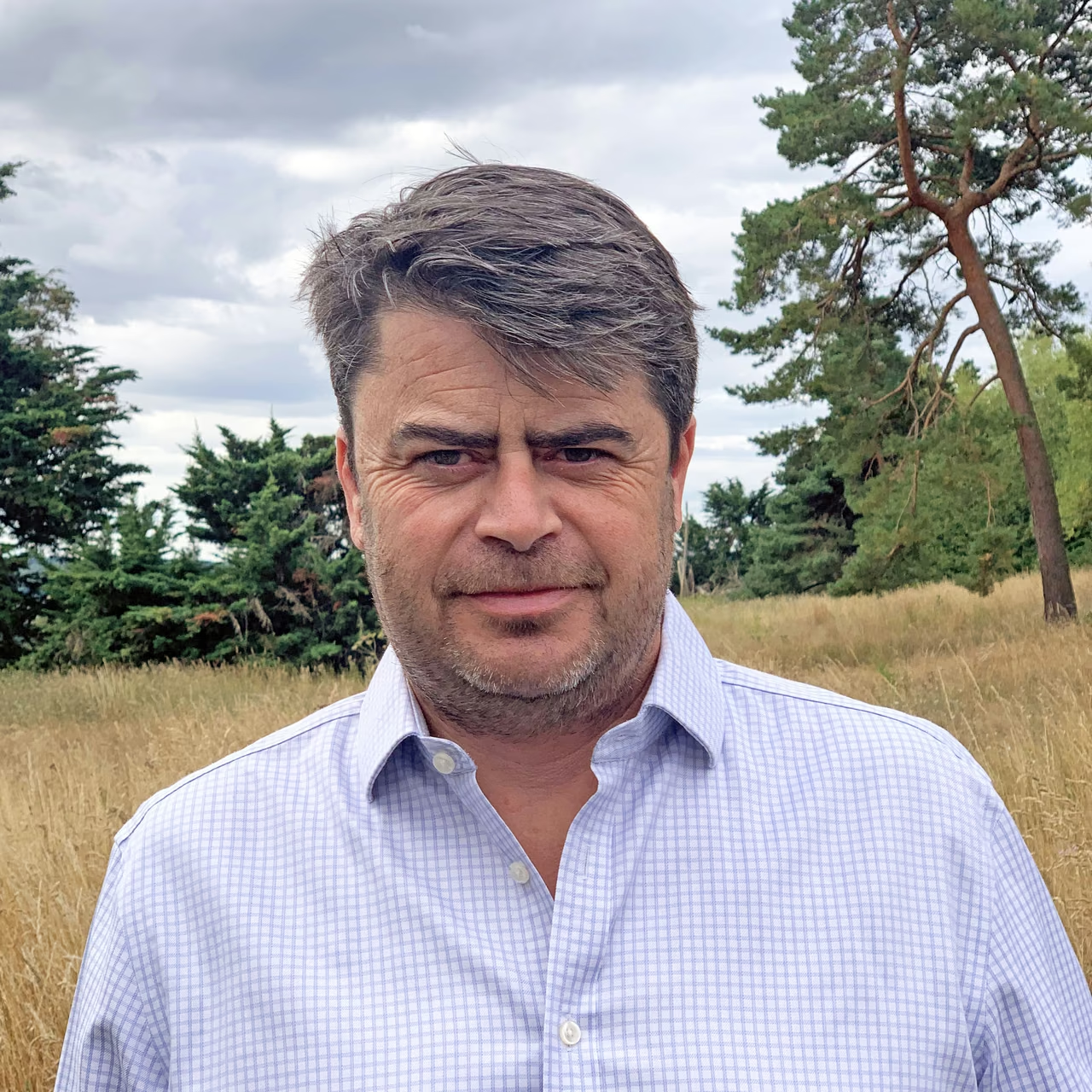
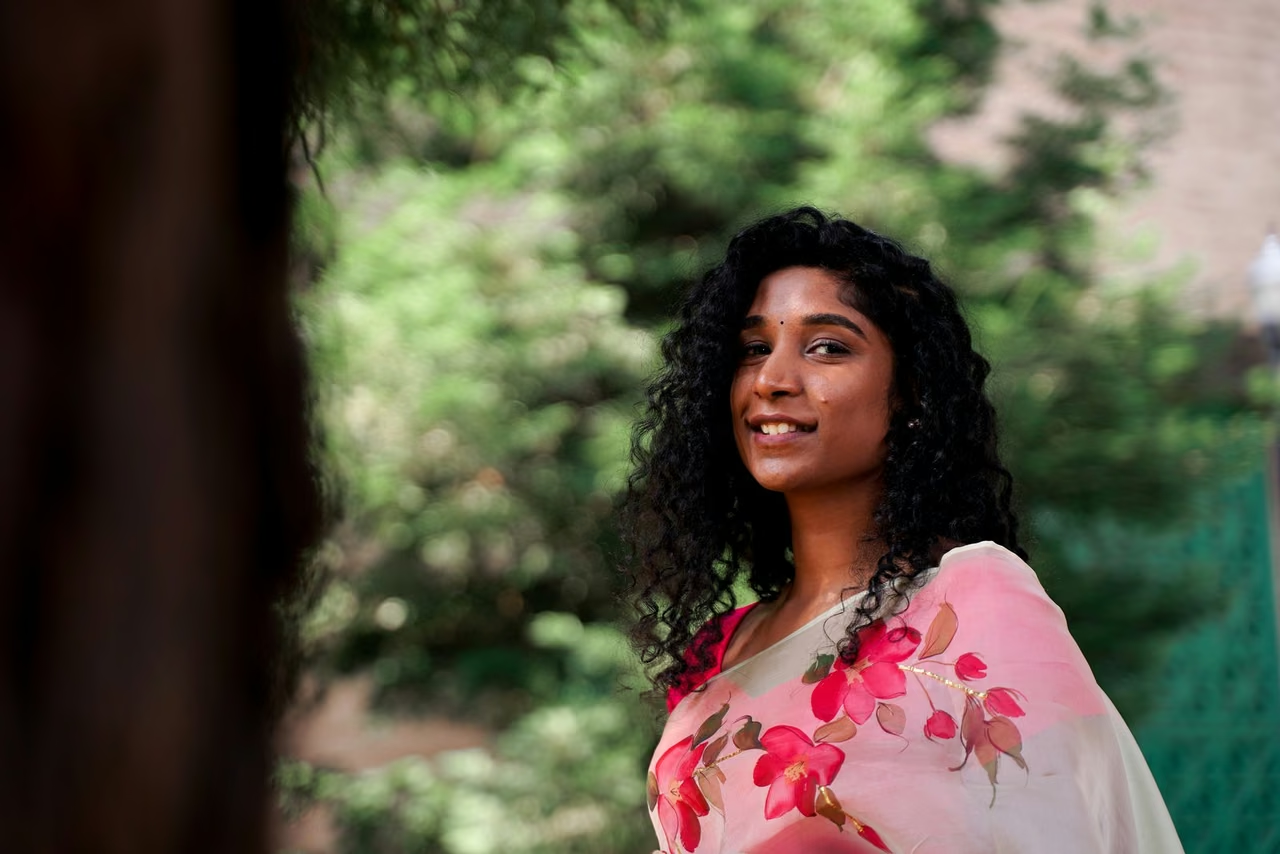
This portrait was taken in flat daylight. Warming it toward golden hour takes an editor a few minutes and an AI tool a few seconds, and across a full gallery that gap compounds into hours. The same approach applies to video work, where image-to-video tools now animate stills that have already been graded.
Where AI Editing Still Falls Short
- Fine edges. Hair, fur, mesh, glass, anything semi-transparent. Cutouts that look clean at thumbnail size come apart at full resolution.
- Brand-critical colour. A shade that has to match a physical product, a logo that must not be quietly redrawn, a texture the customer will hold up against the photo.
- Platform compliance. Marketplaces and ad platforms set rules about what an image may show, and an AI restage can breach them without anyone noticing until the listing is rejected.
- Consistency at the edges of a batch. Batch processing holds up through the middle of a set and drifts on the outliers: unusual angles, reflective surfaces, subjects that fill the frame.
AI editing fails predictably rather than randomly. You can usually tell in advance which images will need a person on them, and that is what makes a hybrid workflow practical instead of merely a compromise. The productivity gain comes from the first pass rather than from any single edit: running background work and grading across a whole set in minutes frees editing time for the images that actually influence a purchase.
The Hybrid Workflow: Generate With AI, Finish With a Human Editor
Most teams that have run AI editing at volume land in the same place. AI handles the first pass across the whole set: background work, grading, the obvious removals. A human editor then takes the subset that carries commercial weight, which is usually the hero image, anything with a difficult edge, and anything a customer will compare against a physical object.
The friction in that arrangement has always been the handoff. Exporting from one tool, uploading to a service, explaining what needs fixing, and waiting for a file back is enough overhead that teams skip it and ship the AI output as-is. Closing that gap is worth more than any individual feature, because it is the step where quality control actually gets dropped.
AI Editing vs. Human Editing: A Side-by-Side Comparison
| Factor | AI Editing | Human Editing |
|---|---|---|
| Speed per image | Seconds | Minutes to hours |
| Cost at volume | Falls as the set grows | Scales roughly with the set |
| Batch consistency | Strong through the middle of a set | Depends on the brief and the editor |
| Fine edges and transparency | Unreliable at full resolution | Reliable |
| Colour accuracy to a physical product | Approximate | Can be matched to a reference |
| Creative interpretation | Follows the brief literally | Reads intent and pushes back |
| Best used for | First pass across the whole set | Hero images and difficult frames |
How Snappr's Magic Studio Works
Magic Studio opens by asking where the images should come from. You can pull photos straight from a completed Snappr shoot, upload something you have on hand, or begin from a written brief with no source image at all. From there you describe the shot you want in chat, the same way you would brief a photographer, and the result appears on the canvas alongside everything else you have generated in that session.
The part that matters for the hybrid workflow is what happens next. Once an image is on the canvas you can download it, or, on Pro and Enterprise accounts, use Request editing to send that generation on to a Snappr pro editor. The AI pass and the human pass become two steps in one workflow rather than two separate purchases, which removes the overhead that usually causes teams to skip the second step.
Every account gets a one-time allowance of free generations, added the first time someone opens Magic Studio: 10 on pay-as-you-go after at least one paid booking, 100 on Pro and 200 on Enterprise. Once those are used, Pro and Enterprise accounts can keep going with credits and choose which AI model runs each edit, while pay-as-you-go accounts move up to Pro for more. That makes Studio a tool for people already working with Snappr rather than a standalone editor.
When you start from a delivered gallery, the source material is already professional: correctly exposed, correctly framed, shot by a photographer who was briefed. That matters more than it sounds. The single largest determinant of AI output quality is input quality, and an AI restage of a well-shot original beats an AI rescue of a bad phone photo every time. Nielsen Norman Group's research on photos as web content found that users ignore decorative imagery and engage closely with photos of real products and people, which is the case for keeping something real underneath the edit.
Start With Better Source Photos
The argument running through all of this is that AI editing amplifies whatever you feed it. A restage inherits the exposure, framing and intent of the original frame, so the cheapest way to improve AI output is usually to improve the photograph underneath it rather than to rewrite the brief.
On pay-as-you-go, a first paid booking is also what unlocks the free Studio allowance, so the shoot and the tooling arrive together. You can book a shoot for a specific brief rather than a package, and the tiers page sets out how per-job pricing compares with the Pro and Enterprise options once the volume is recurring.


