
A menu is a pricing document wearing a costume
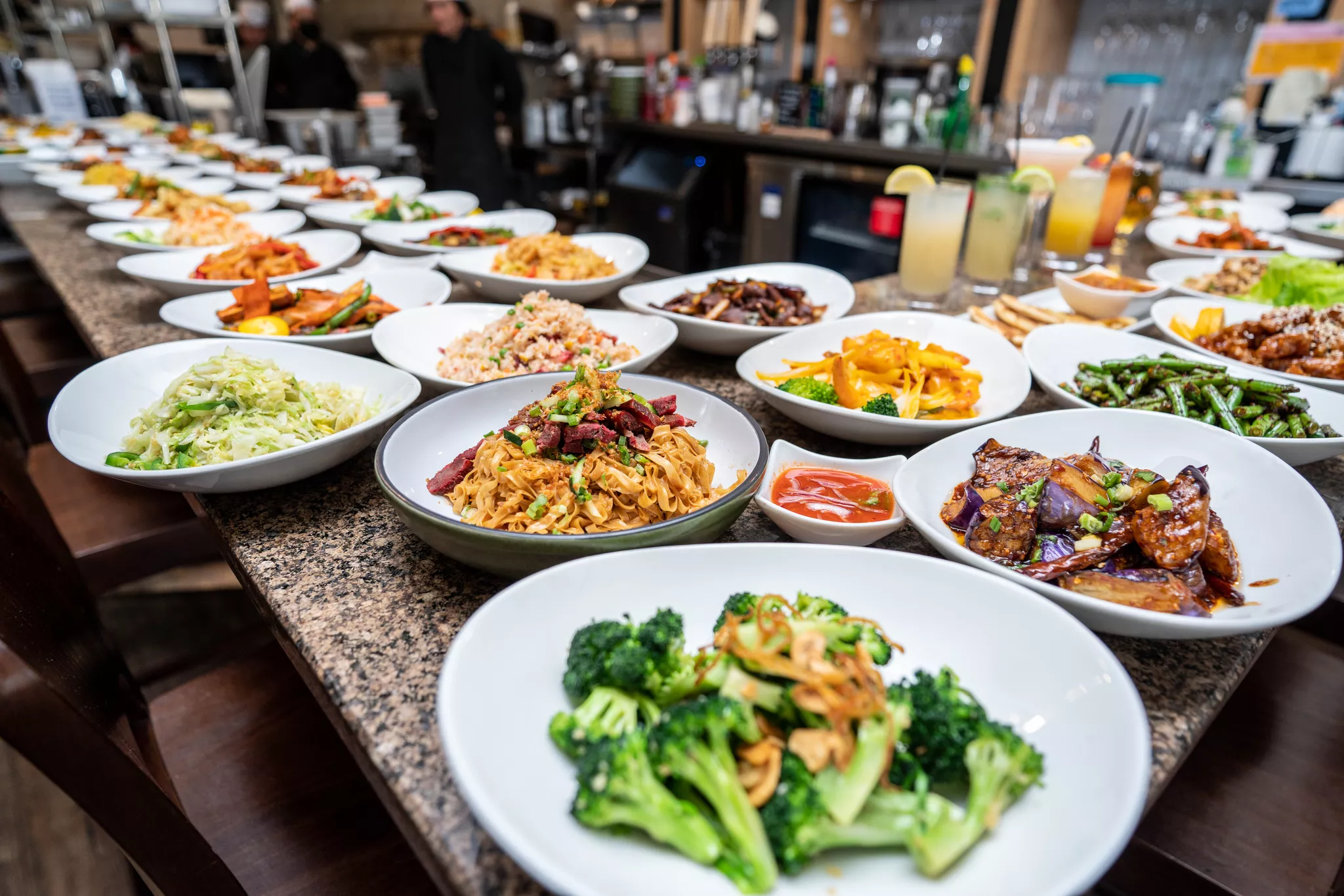
Every guest reads it. Nobody trains it. It works every shift you're open.
That matters more in 2026 than it did five years ago, because margin has nowhere left to hide. The National Restaurant Association reports that 42% of operators said their restaurant was not profitable last year, and 60% reported softer customer traffic. You can't fix that with a price increase alone. You can fix a meaningful slice of it by changing what your menu asks people to buy.
Here's how to build one that does the work.
Step 1: Rank items by contribution, not by popularity
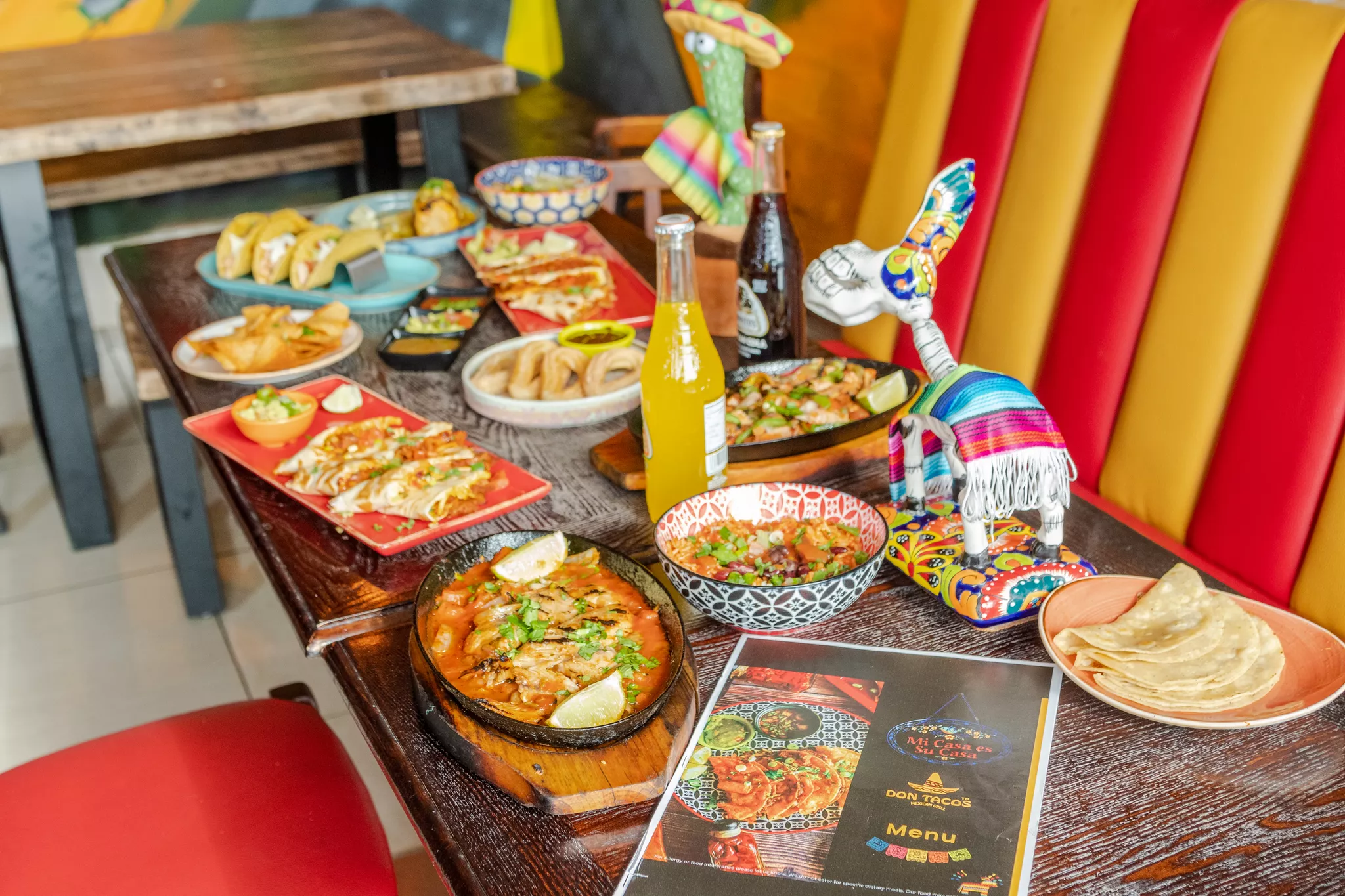
Most operators build a menu around what sells. Build it around what sells and earns.
Pull ninety days of sales data and calculate contribution margin per item, which is menu price minus food cost. Then plot every item on two axes: how often it sells, and how much it contributes. High-margin, high-volume items are your leads. They belong in the top-right of a printed page and in the first two rows of a digital menu.
Low-margin, low-volume items are the ones to cut. A shorter menu is a faster kitchen, less waste, and a guest who decides in twenty seconds instead of two minutes.
Step 2: Write descriptions that carry weight
Uber Eats says item descriptions and photos can boost menu conversion by up to 50%, and descriptions are the cheaper half of that pair.
Good ones are short and specific. Name the technique, the origin, or the one ingredient that makes the dish itself. "Slow-braised beef short rib, black garlic, charred spring onion" tells a guest what they're getting. "Delicious short rib with vegetables" tells them nothing and gets skipped.
Skip adjectives that could describe any dish on any menu. Fresh, tasty and mouth-watering are filler. Cut them and you'll find room for a real detail.
Step 3: Take the dollar signs off your prices
This one is nearly free. Cornell researchers gave 201 diners at a Culinary Institute of America café one of three menus: prices with dollar signs, prices as bare numerals, or prices written out in words. Guests reading the numeral-only menu spent an average of $5.55 more, roughly 8%, than the other two groups.
A dollar sign is a small reminder of the pain of paying. Remove it and you remove the reminder. Format prices as 24 rather than $24.00, drop the trailing cents, and never run a row of dots leading the eye from the dish straight to the number.
Step 4: Photograph every item, not just the hero dishes
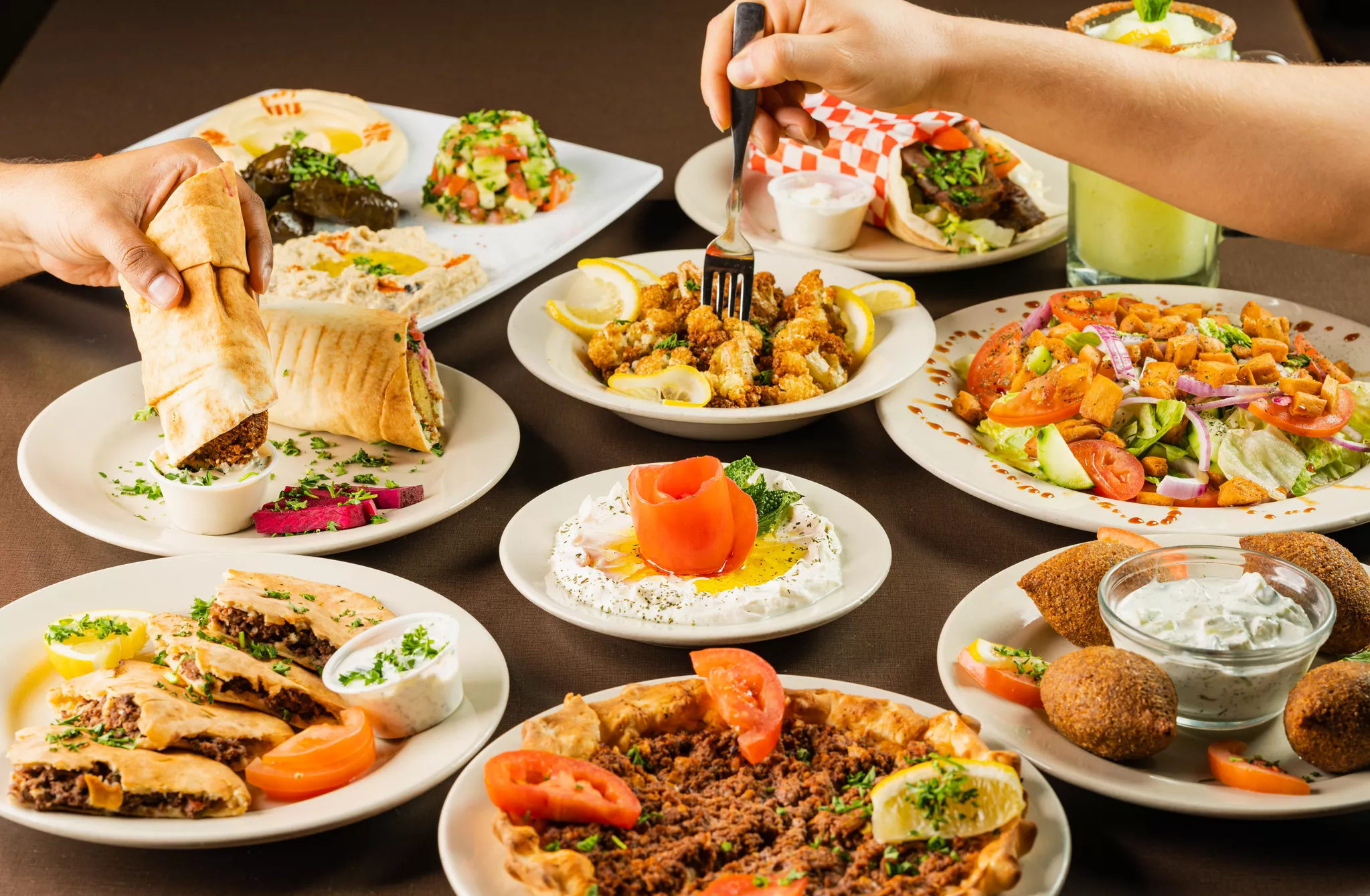
Photo coverage is the single largest lever in this list. DoorDash analyzed over 15,000 local small business merchants and found menus with item photos get up to 44% more monthly sales.
Coverage is what matters. An item without a photo sitting next to eight items that have one reads as an afterthought, and guests order around it. We've written before about the image gaps that quietly cost restaurants orders on delivery apps, and the pattern is consistent: partial coverage suppresses the uncovered items rather than lifting the covered ones.
Shoot every dish the same way. Same angle family, same light direction, same surface, same distance from the plate. Consistency is what makes a set of photos read as a menu instead of a camera roll. Our guide to choosing the right menu photographer covers what to look for if you're hiring out.
Step 5: Build for the phone, then print
Your digital menu is the one most guests see first. Design it there, then adapt the print version, not the other way around.
That means: categories a thumb can reach, no more than seven items per category, photos cropped square, and descriptions that survive being truncated at two lines. Our walkthrough on creating a visually strong online menu goes deeper on layout.
The part that stalls most operators
Nobody struggles with the theory. They struggle with photographing forty items, then re-photographing the six they change next quarter, then doing it again when they open a second location.
That's the job Snappr does. You book a vetted food photographer in about two minutes with as little as 24 hours' notice, define your shoot guidelines once so every future shoot matches the first, and get edited images back in 24 to 48 hours. When a dish changes, you rebook a single item rather than restaging the whole menu.
Explore Snappr for menus and restaurants to see how it works across one location or fifty.
Frequently asked questions
How many items should a restaurant menu have?
Most independent restaurants perform best with 20 to 40 items across all categories, with no more than seven items per category. Longer menus slow decisions, increase food waste, and dilute the items that actually carry your margin.
How often should you update a restaurant menu?
Review pricing and item mix quarterly, and refresh the full menu once or twice a year. Update photos any time a dish's plating, portion, or garnish changes, because a photo that no longer matches the plate creates refunds and bad reviews.
Do menu photos really increase sales?
Yes. DoorDash's study of more than 15,000 small business merchants found menus with item photos get up to 44% more monthly sales, and Uber Eats reports descriptions and photos together can lift conversion by up to 50%.
Should you put dollar signs on a restaurant menu?
The Cornell research suggests not. Diners given a numeral-only menu spent about 8% more per person than those given menus with dollar signs or written-out prices.
What is the best way to organize menu categories?
Order categories the way people eat, then order items within each category by contribution margin. Put your highest-earning, highest-selling dish first in its category, because the first item in a list gets disproportionate attention.
Sources
1. National Restaurant Association, 2026 State of the Restaurant Industry — 42% of operators unprofitable, 60% reporting softer traffic
2. DoorDash Merchant Blog, menu photography — study of 15,000+ small business merchants, 44% more monthly sales from item photos
3. Uber Eats, menu descriptions — descriptions and photos boosting menu conversion by up to 50%
4. Cornell Chronicle, 2009 — Yang, Kimes and Sessarego study of 201 diners, $5.55 higher spend without dollar signs


